Why a Final Asset Availability Audit Matters
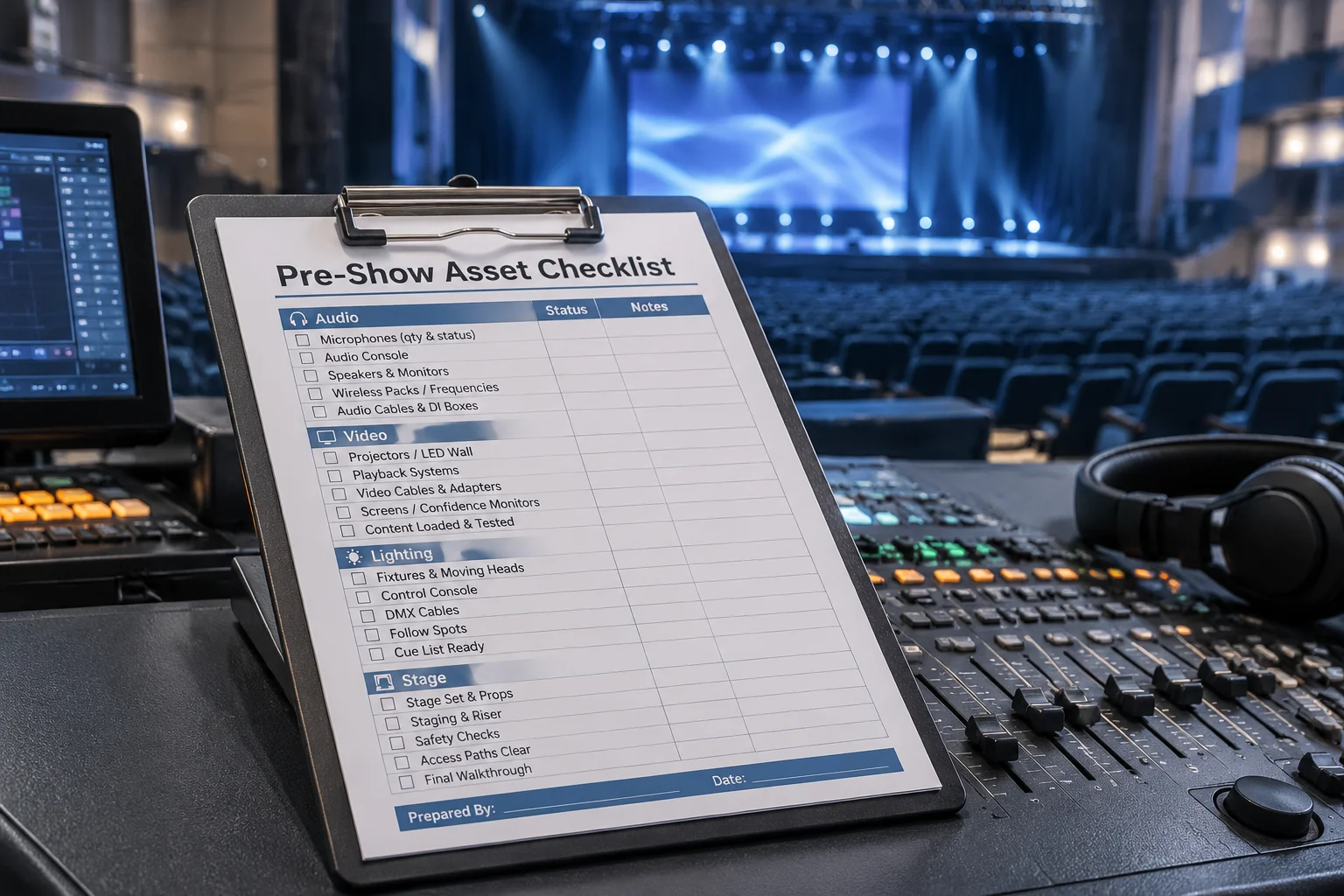
In high-stakes live event production, importing a media asset into your presentation software bin does not automatically guarantee its availability when cue time arrives. File links can silently break if network drives disconnect, external USB drives enter sleep mode, or background sync services relocate target folders. Performing a structured final asset availability review eliminates surprise offline screens right before the house lights dim.
Key Steps in the Final Asset Verification Workflow
Operators must execute a rigid sequence of checks to confirm media stability. Skipping even a single dynamic asset can lead to unwanted visual interruptions on main stage screens.
-
Confirm Physical File Presence: Check that every video clip and slide background physically exists on local solid-state drives rather than cloud-mapped or temporary drives.
-
Validate Absolute File Paths: Inspect media properties inside the playback server to ensure drive letters and folder structures match current workstation mount points.
-
Test Audio & Video Codec Performance: Trigger short test reads for heavy 4K ProRes or H.264 files to verify seamless hardware decoding on primary and backup systems.
-
Lock Project Bins: Freeze the active media library to prevent unauthorized file moves, renames, or deletions during the live presentation window.
"A presentation engine only reads file references. If the target drive drops out mid-show, your screen goes black regardless of how perfectly the rehearsal ran hours earlier."
Common Risk Factors to Audit Before Show Time
Network storage disconnections rank among the most frequent causes of missing pre-show assets. When presentations reference media hosted on shared network volumes, temporary bandwidth dips or credential timeouts can render assets unreachable. Always consolidate all media assets directly onto internal high-speed storage before starting your final review pass.
Another subtle risk involves late-stage file swaps. If a presenter delivers updated video files on a flash drive minutes before showtime, engineers must carefully verify file formats and rewrite reference paths on both primary and redundant secondary workstations.