Why Verification Matters
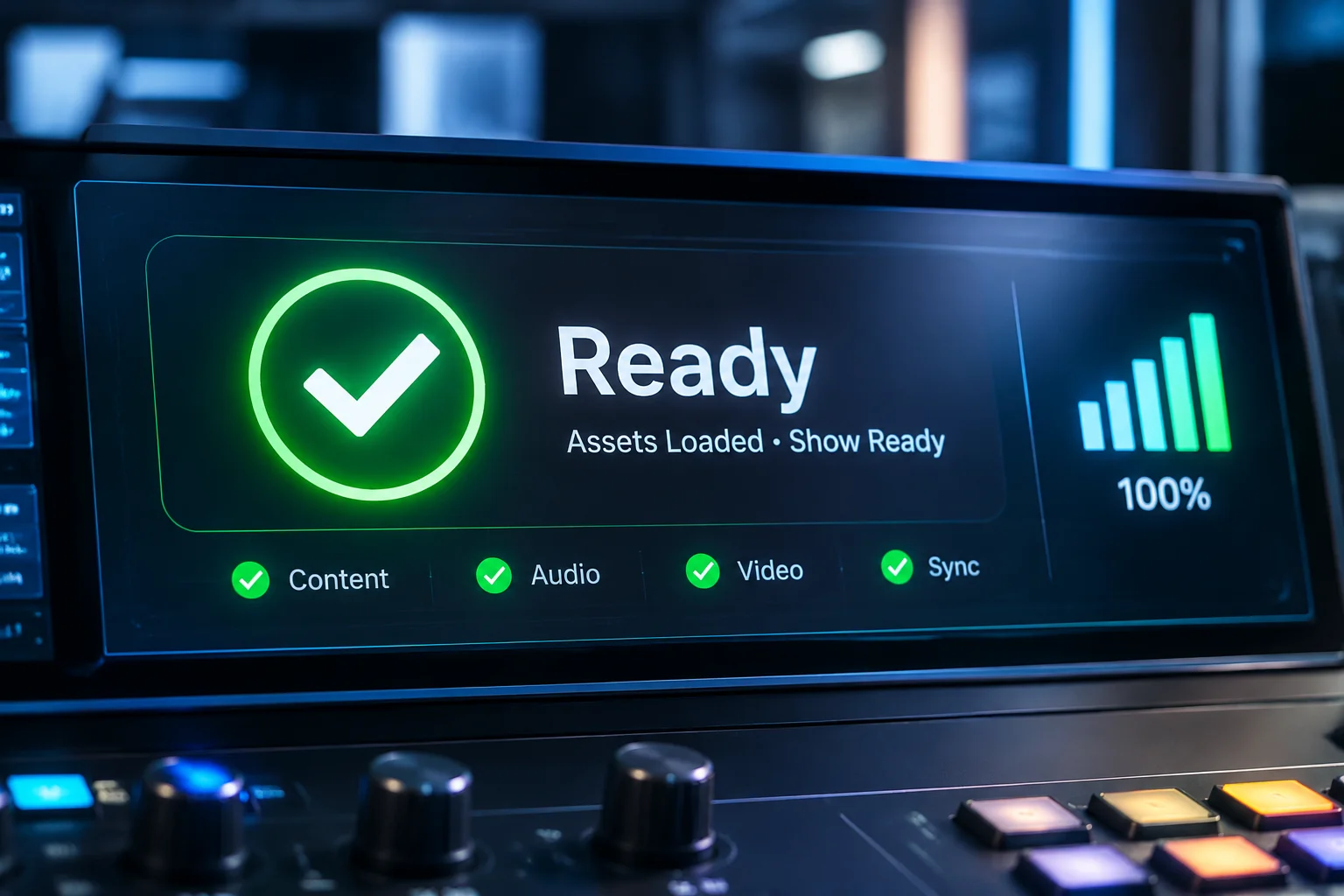
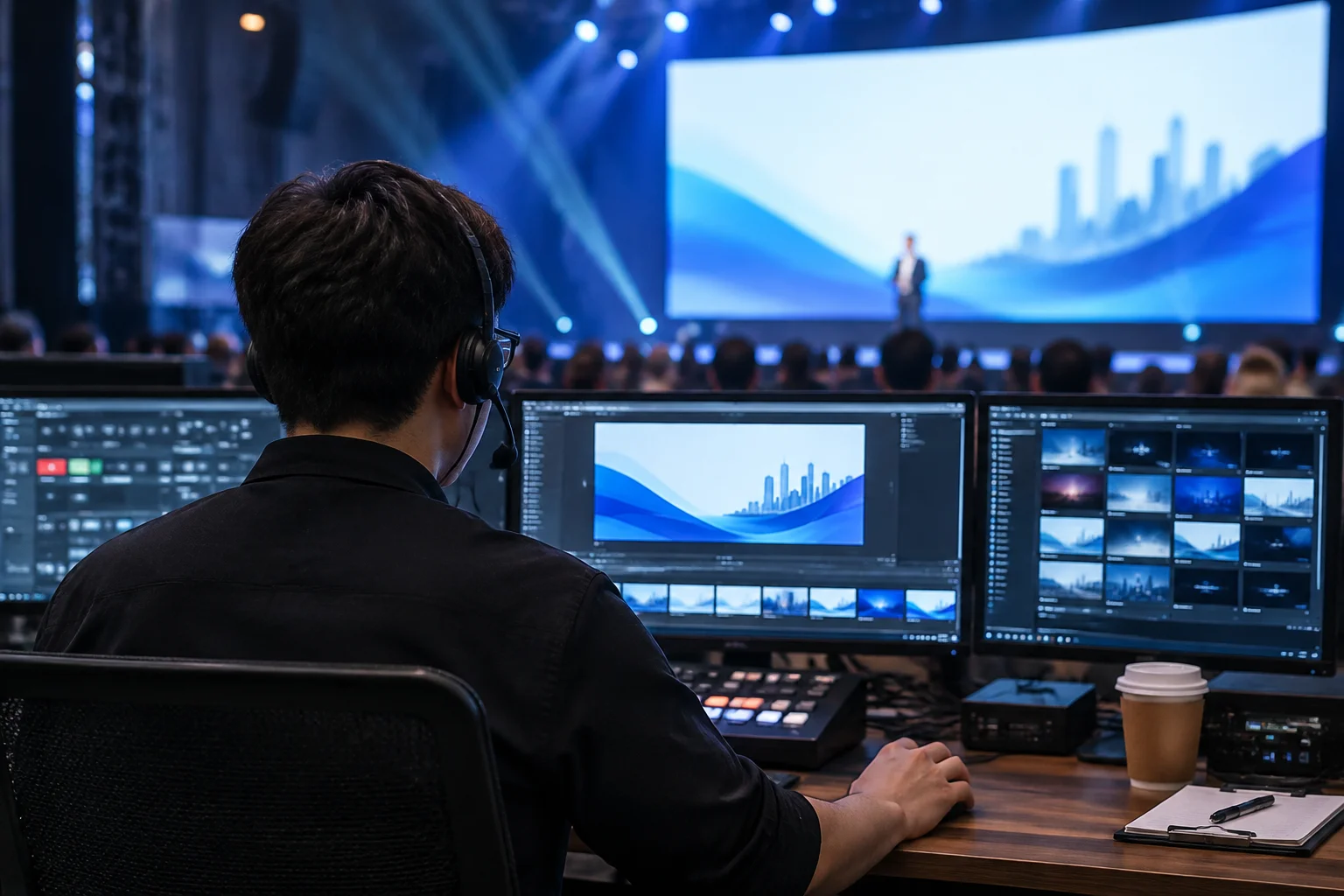
Before any audience arrives, every workstation must be put through a rigorous test. Relying on the assumption that a laptop setup that worked yesterday will work today is a high-risk strategy. Even minor operating system background updates or network drive disconnections can lead to missing video files or audio sync issues during a live presentation.
The Verification Process
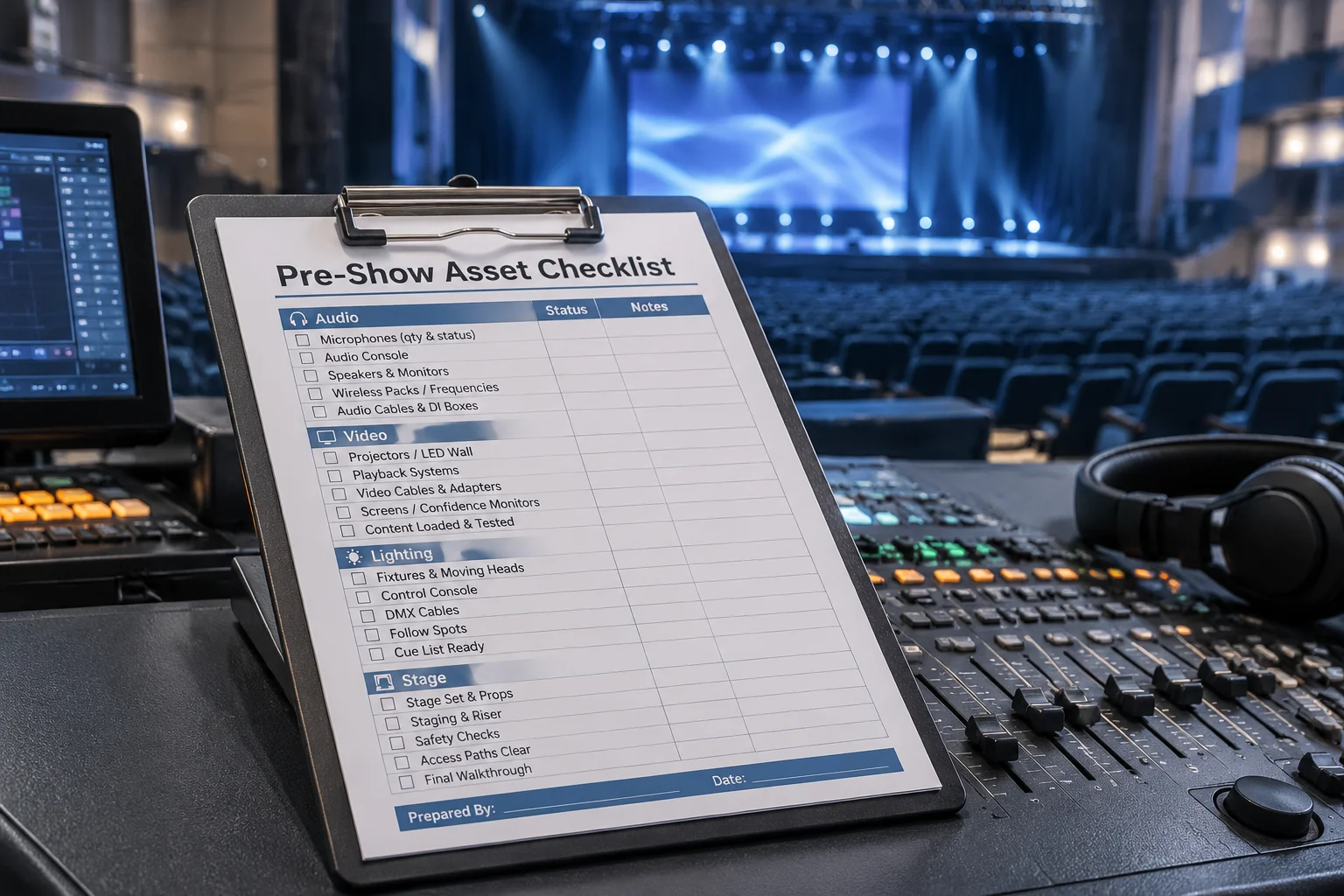
Our verification workflow follows a strict, repeatable protocol to ensure consistency across all computers. Start by confirming that all source folders follow the established naming conventions. Next, verify that the media software has correctly identified all file references. Finally, perform a full show-length playback check to ensure no video dropouts occur.
Communication with Production
Always document the status of each workstation after verification. If a system requires maintenance or has a persistent hardware issue, it should be marked as requiring review. Early detection allows the production team to swap hardware or implement a backup solution without the pressure of live show requirements.