THE MEDIA READINESS LIBRARY

File Path Decisions

Understand how file references behave, protect folder relationships, and move presentation projects with fewer broken links.

Understand the Reference

3 practical guides

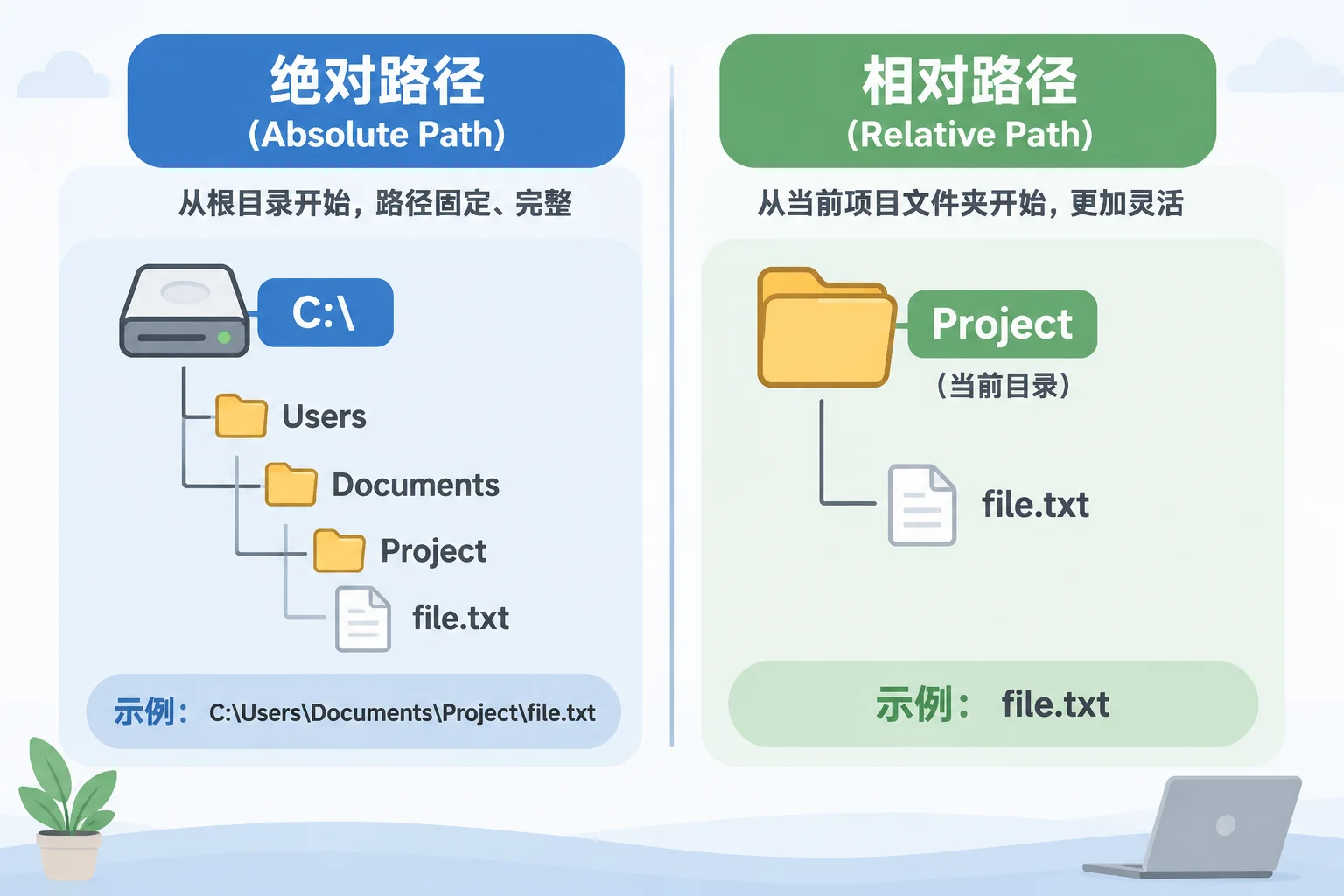
Absolute and Relative Paths

Understanding the difference between absolute and relative file paths is fundamental to keeping live presentation assets connected, avoiding unexpected missing media, and ensuring smooth workstation transfers.

Read the guide

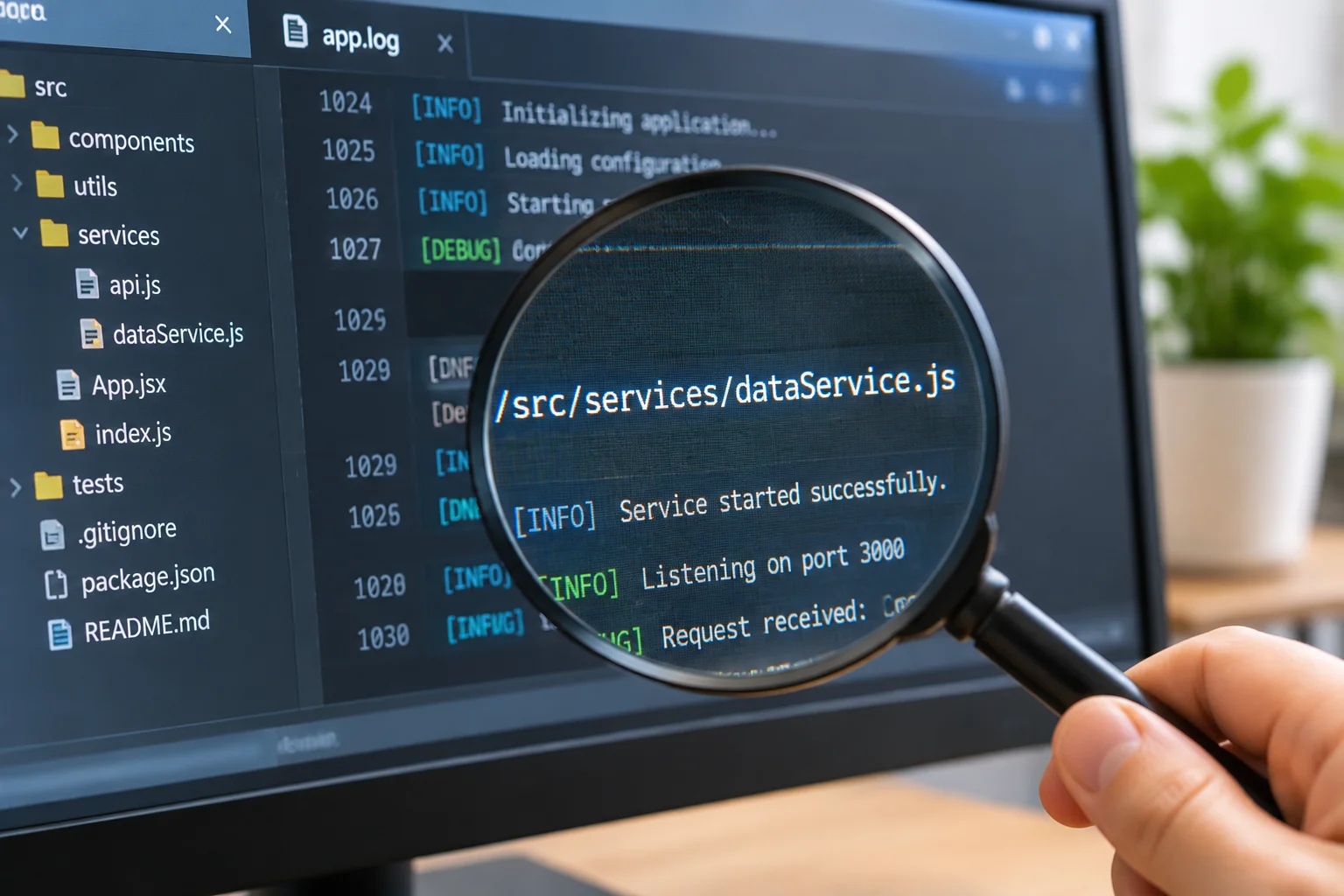
Reading a File Reference

Understanding how a software application reads a file reference is the foundational step in building a resilient media library. Learn to decode paths and identify potential failure points before they impact your event production.

Read the guide

Build a Stable Folder Structure

3 practical guides

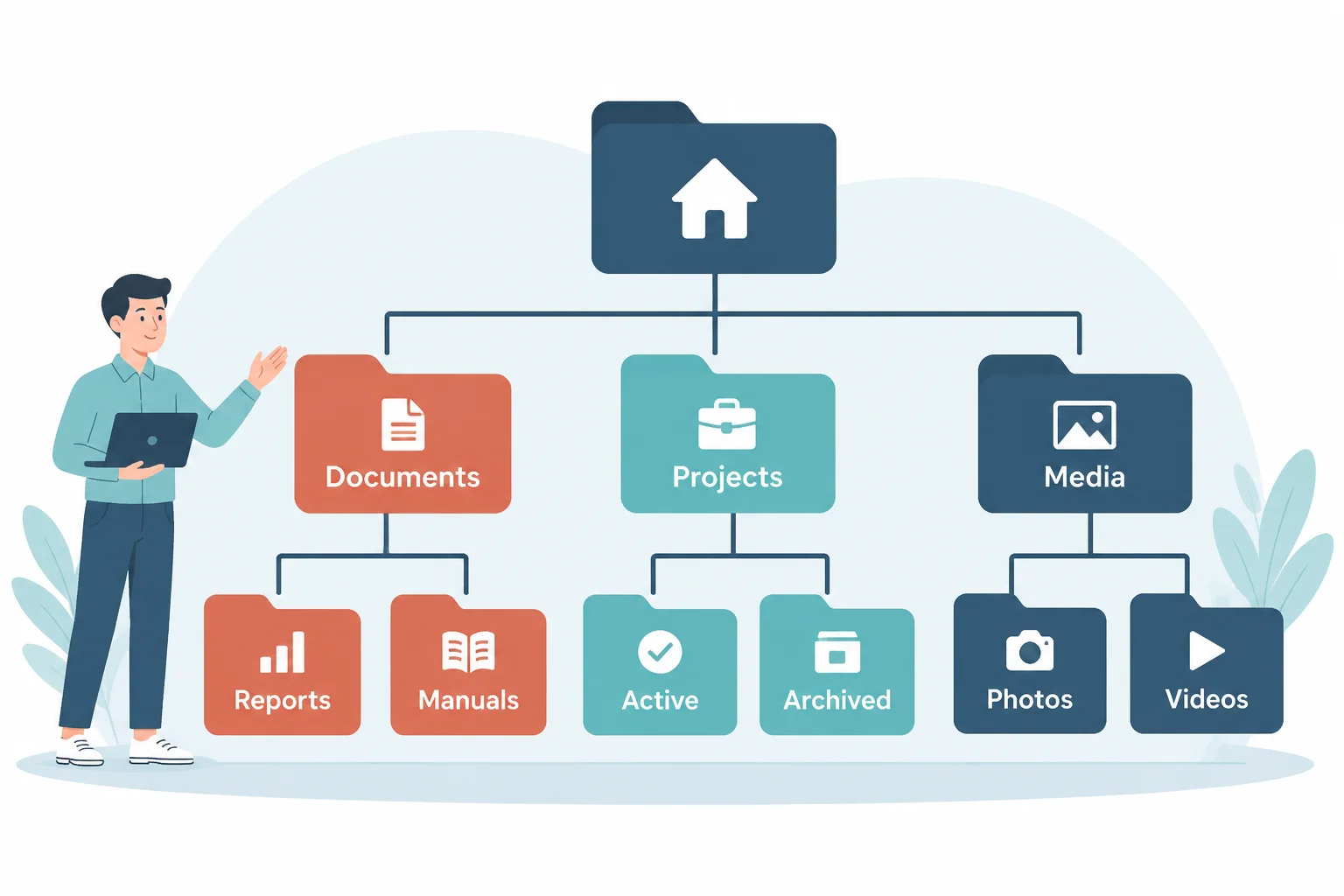
Working with Folder Hierarchies

A disciplined directory hierarchy prevents broken file references, speeds up pre-show inspections, and guarantees that multi-layered media projects transfer reliably across workstations without relinking panics.

Read the guide

Why Renaming Folders Can Break References

In digital media management, the path to a file is not just a label; it is a critical address used by your software to locate assets. Renaming a parent folder changes this address, effectively severing the connection between your application and the media files it relies on.

Read the guide

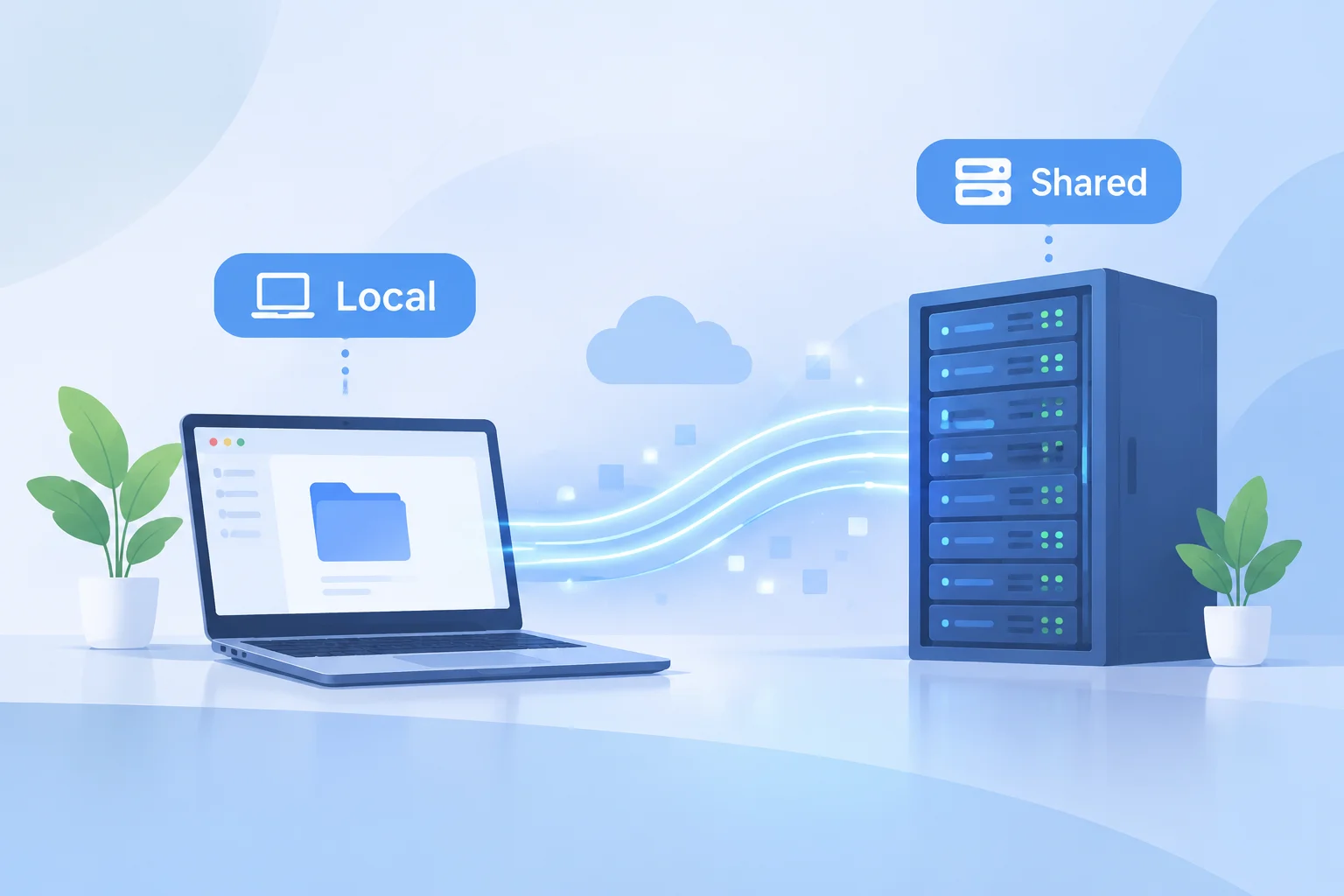
Local vs Shared File Paths

Mastering the distinction between local and shared file paths is the single most important factor in maintaining reliable media libraries across distributed production workstations.

Read the guide

Transfer & Verify

2 practical guides

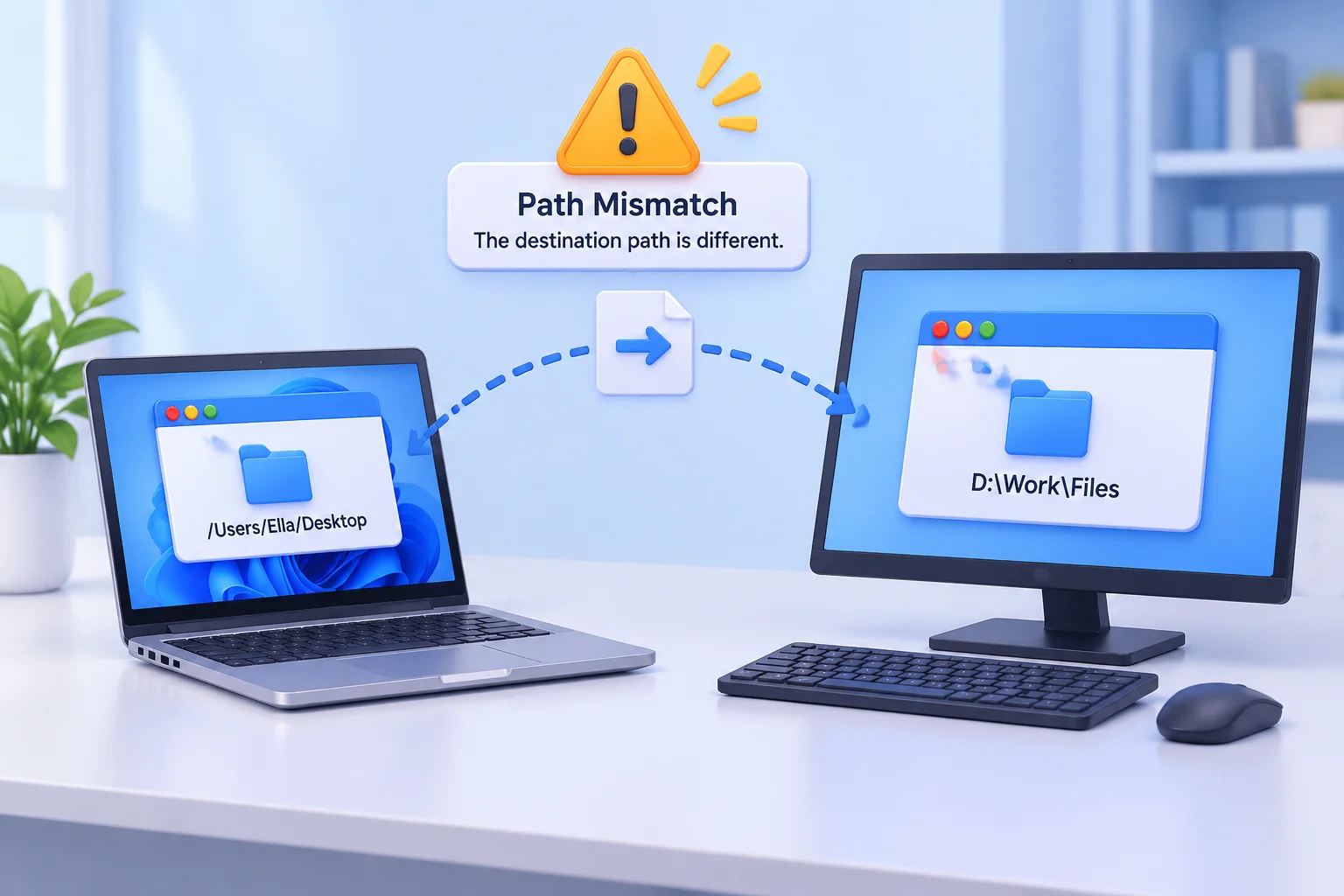
Path Changes Across Workstations

Moving a project from one workstation to another often reveals hidden issues with file references. If your media files rely on absolute paths, a slight change in the directory structure or drive mapping will immediately cause your content to show as offline.

Read the guide

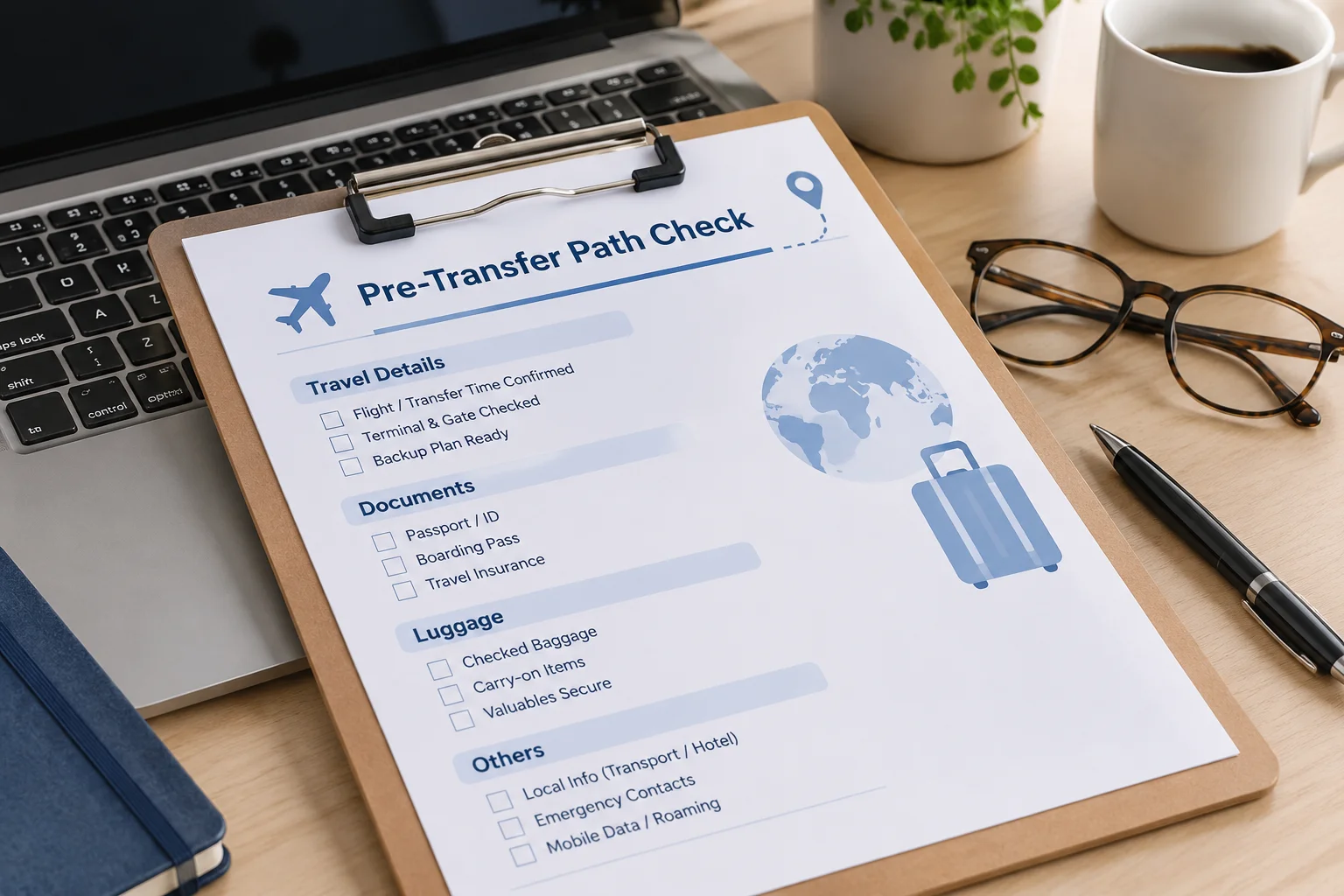
Checking Paths Before Transfer

Ensuring your file paths remain valid during a project transfer is critical for maintaining media continuity. This guide outlines the essential pre-transfer checks to prevent broken links and save hours of troubleshooting.

Read the guide