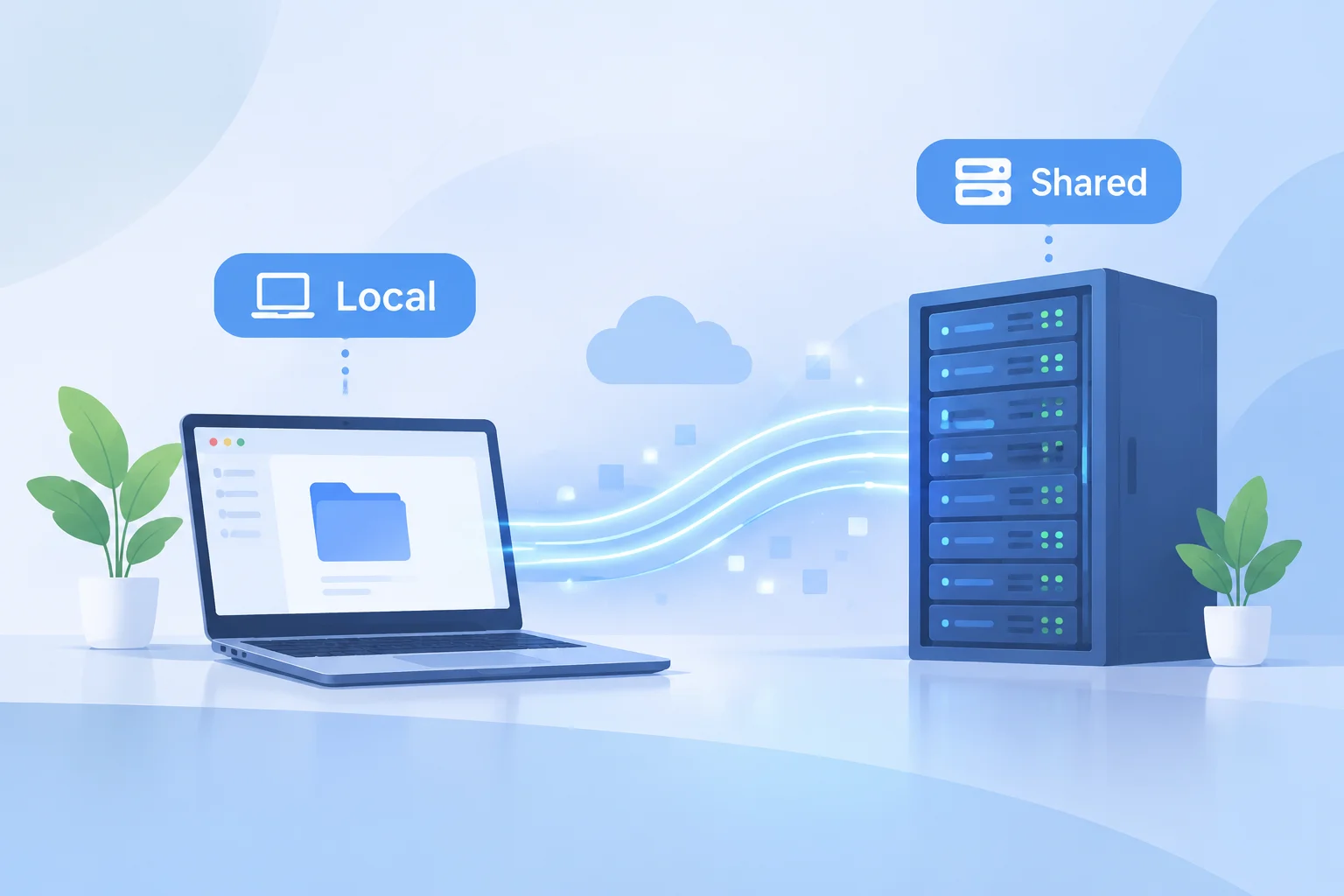
When presentation platforms, live playback engines, or non-linear video editors handle external media, they store pointers to asset locations on local hard drives or shared arrays rather than embedding heavy video files directly into document files.
How File Pointers Anchor Project Assets
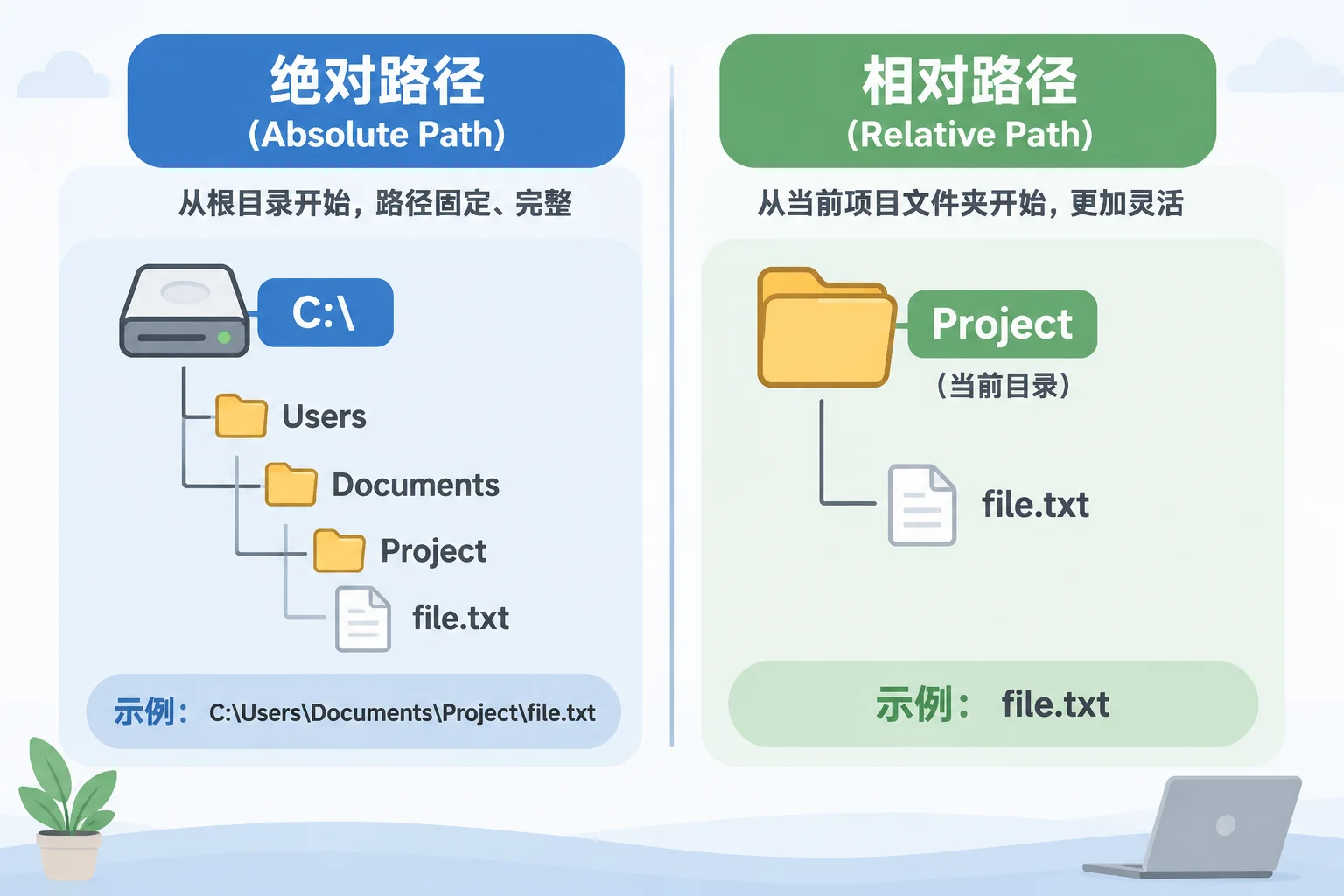
Most modern control applications record asset dependencies via absolute or relative strings. An absolute string stores every structural tier from the root volume down to the target extension, while a relative path establishes reference boundaries anchored to the main project directory. Because the application queries these exact strings during stage playback, even minor modifications to volume names or parent directories break pointer resolution immediately.
Asset references contain four critical structural variables: root identifier, directory tree, file moniker, and system protocol. Operating system differences further complicate dependency paths, since Unix-based filesystems use forward slashes while Windows environments rely on backslashes and drive letters.
Common Failure Modes in Dependency Trees
Broken references rarely originate from deleted media. Disconnected assets occur when someone restructures parent directories, moves items into subfolders, alters storage volume labels, or switches project files between workstations with differing user profiles. Inspecting dependency trees requires technical awareness of four standard failure triggers:
- Volume Mount Mismatches: External drives or NAS shares assigned different drive letters or mount points across control stations.
- Unsynchronized Cloud Mirrors: Background synchronization utilities displacing physical files with cloud-only placeholder stubs during live playback.
- Arbitrary Directory Restructuring: Production staff renaming folders to reflect date changes without re-linking referenced project assets.
- Local Path Encoding: Referencing assets saved to a specific user's Desktop or Documents directory instead of a unified project depot.
Implementing Reliable Dependency Architectures
Stable media deployment demands predictable file hierarchies. Production technicians preserve operational readiness by grouping presentation documents alongside dedicated media folders inside a single root directory. This relative structure permits entire folders to be duplicated, archived, or transferred to backup playback machines without breaking asset connections.
Before launching live presentations, run systematic dependency audits using asset management utilities or manual path validation routines to confirm that all video cues, audio beds, and background graphics resolve to active physical storage.