Why File Paths Matter
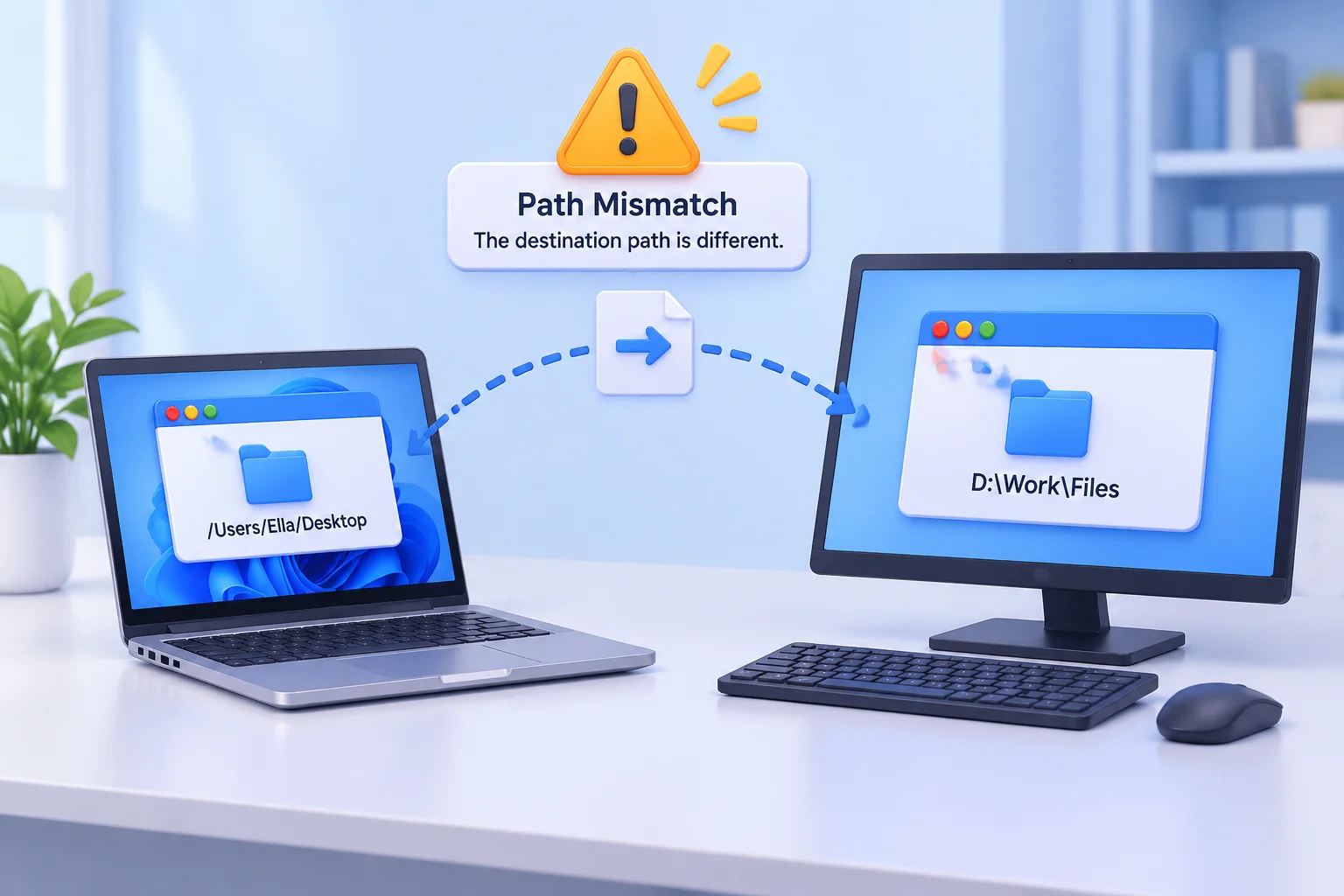
Every time a presentation software or editing suite references a file, it stores a "path"—a digital map leading to that specific item. Whether that map points to a local drive attached to your laptop or a server in the next room defines the stability of your production environment.
The Advantage of Local Paths
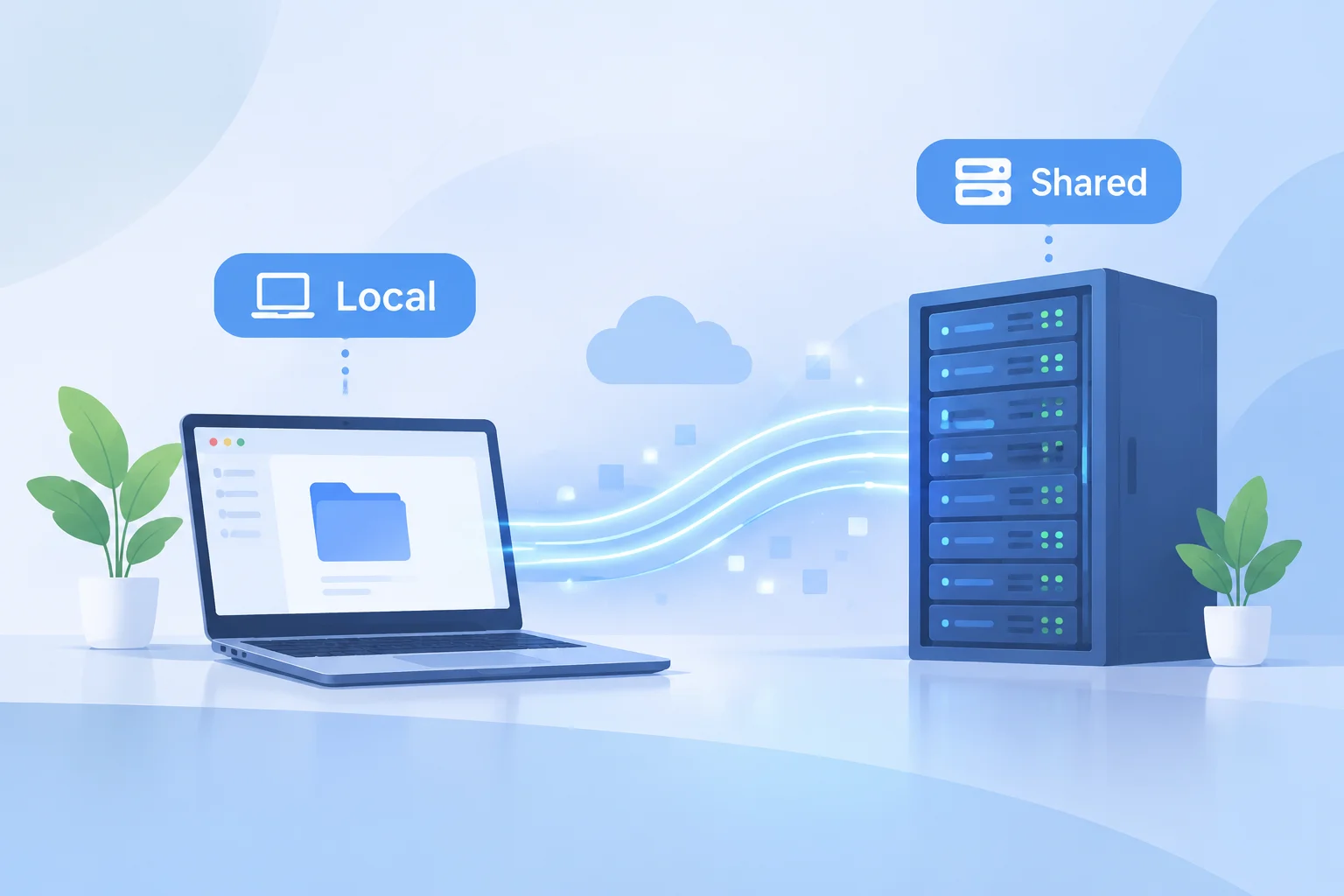
Local file paths are fast and inherently stable when working on a single machine. Because the software looks for the file within its own operating system (e.g., C:ProjectsVideo.mp4), there are no network dependencies to worry about. For field technicians using a single laptop for a show, local paths are often the safest bet. They eliminate network latency and ensure that the software does not hang waiting for a remote connection.
The Flexibility of Shared Paths
Shared file paths (e.g., \NetworkDriveProjectsVideo.mp4) enable collaboration. When multiple workstations need to access the same library, shared paths allow each system to point to a central source of truth. However, they demand a rock-solid network infrastructure. If the server drops or network congestion peaks, your media references might report as "missing" or "offline."
Choosing the Right Strategy
If your team switches between workstations, shared paths are generally superior because they allow assets to be available to any computer with network credentials. If you are a solo operator in a mobile setup, stick to local paths but ensure you have a robust backup plan for when a drive inevitably fails.