The Illusion of Availability
A thumbnail in a media bin is a record of an import, not proof that the original file is accessible now. Some applications retain a preview while the full-resolution video remains on an external drive or in a folder that has moved.
Check how your application stores media: it may copy an asset into its own library, or it may retain a reference to the original location. The correct verification process depends on that behavior.
Trace the Source Before Changing Anything
Inspect the recorded path, then confirm that the original file exists at that exact location. Check the drive name, folder hierarchy, permissions, and whether a cloud item is fully downloaded. A cached preview may still appear while the source is unavailable.
- Compare the stored path with the actual source location.
- Confirm that the playback user can read the file.
- Check that shared and removable drives are connected.
- Preserve the original file before relinking or replacing it.
Test on the Actual Show Computer
Open the presentation on the intended playback machine. Play the full asset, confirm duration and audio routing, and inspect the opening and closing frames. Repeat the test after transferring a project or changing storage locations.
Record Evidence of Readiness
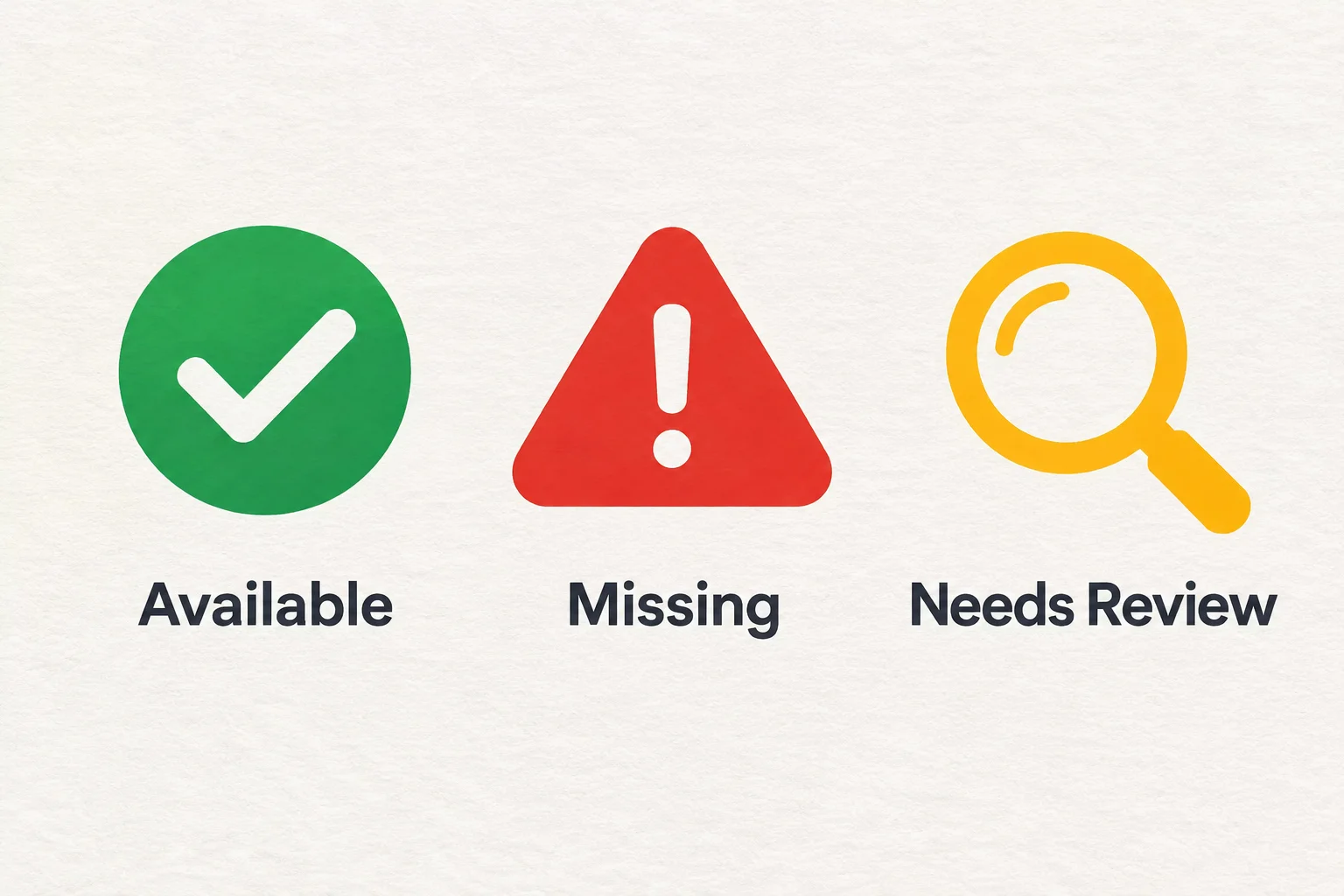
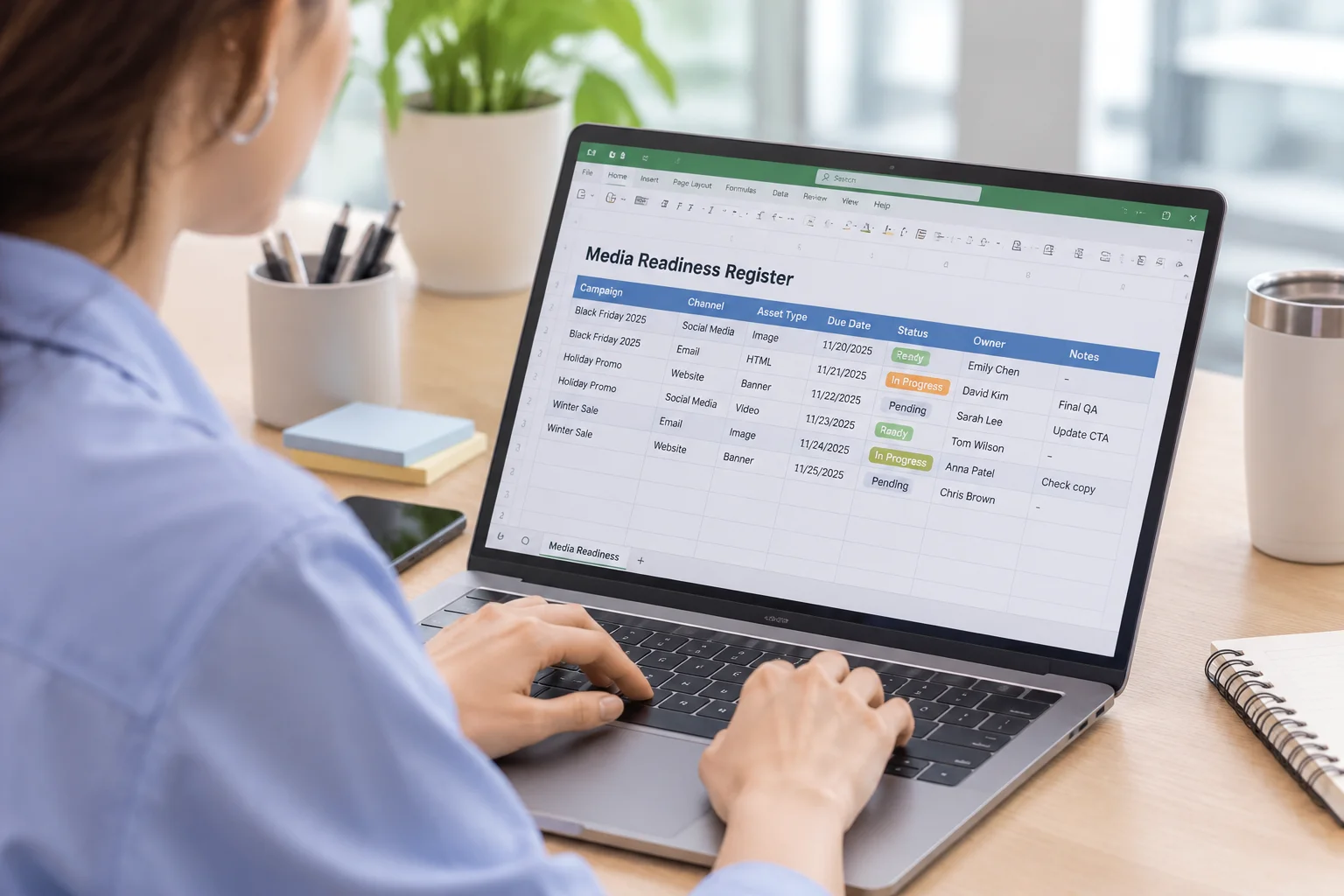
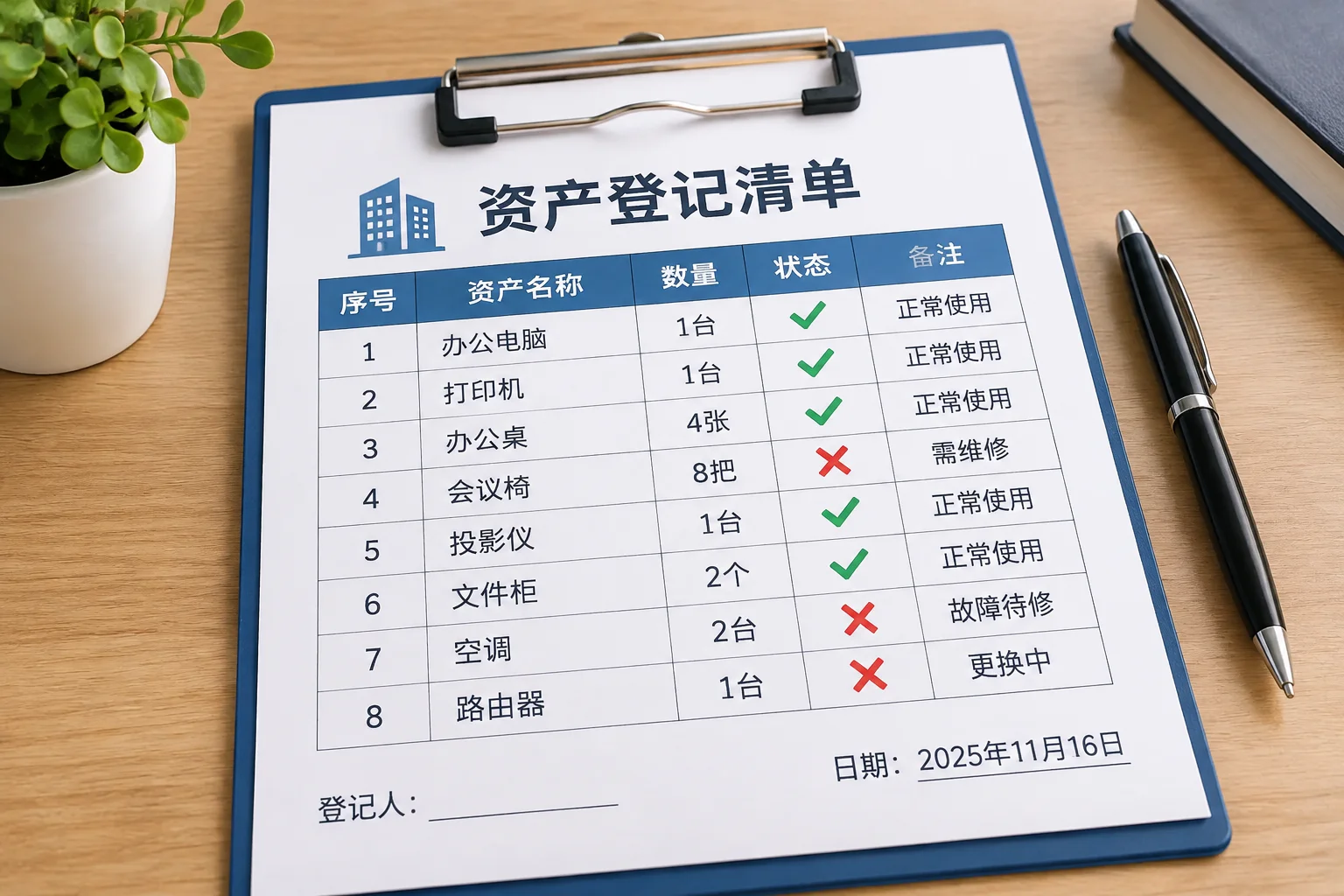
Keep the source location, working path, file version, reviewer, and verification time in your asset register. Mark an untested import as Needs Review. Only mark it Available after the required playback and access checks pass.