Why Media Management Matters
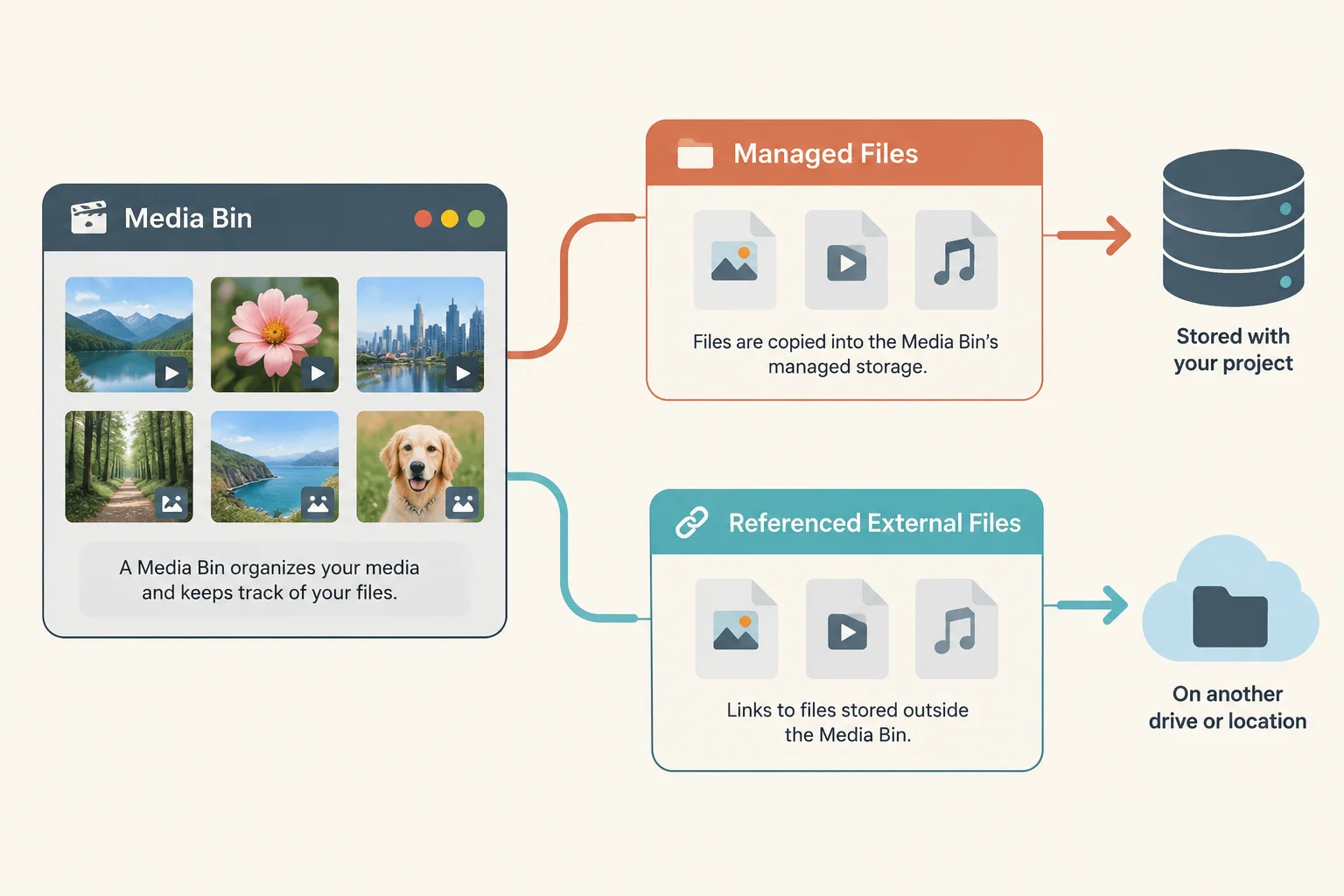
In production environments, media files often go missing when file paths are broken, folders are renamed, or assets are moved between different workstations. ProPresenter relies on absolute file paths or relative references to locate your images and videos. If these paths are disrupted, the application cannot display the content, often resulting in blank screens or error warnings during high-stakes presentations.
Building a Reliable Workflow
Reliability comes from documentation and strict folder organization. Start by creating a centralized asset register that maps every file used in your show to its source location. Avoid relying on random local folders; instead, adopt a consistent directory hierarchy that remains the same across all machines in your facility. If you move a file, update your registry immediately to ensure the presentation links remain valid.
The Pre-Show Verification Protocol
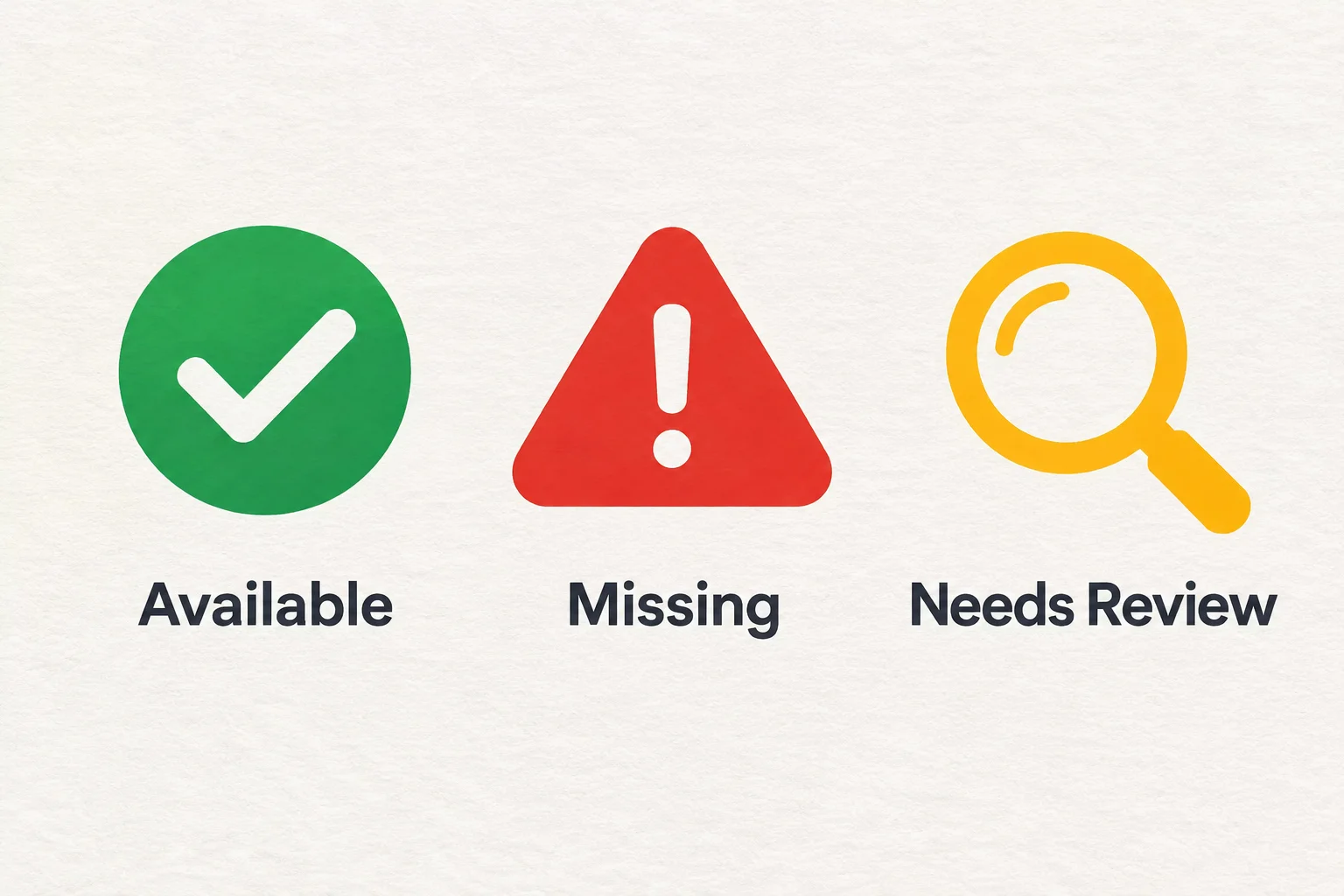
Never rely on an assumption that a file is available simply because it worked yesterday. A robust pre-show verification protocol includes running through every cue in your presentation on the actual show-day machine. Check the media bin for any red icons indicating an offline status and verify that all referenced videos load at their expected playback speeds.