Why Library Structure Matters
When media assets are scattered across various local drives or inconsistently named, recovery during a critical pre-show moment becomes impossible. A rigid, hierarchical organization ensures that every video, image, and audio clip has a predictable location. This simplifies path resolution for presentation software and makes manual troubleshooting much faster when things inevitably go wrong.
Best Practices for Asset Management
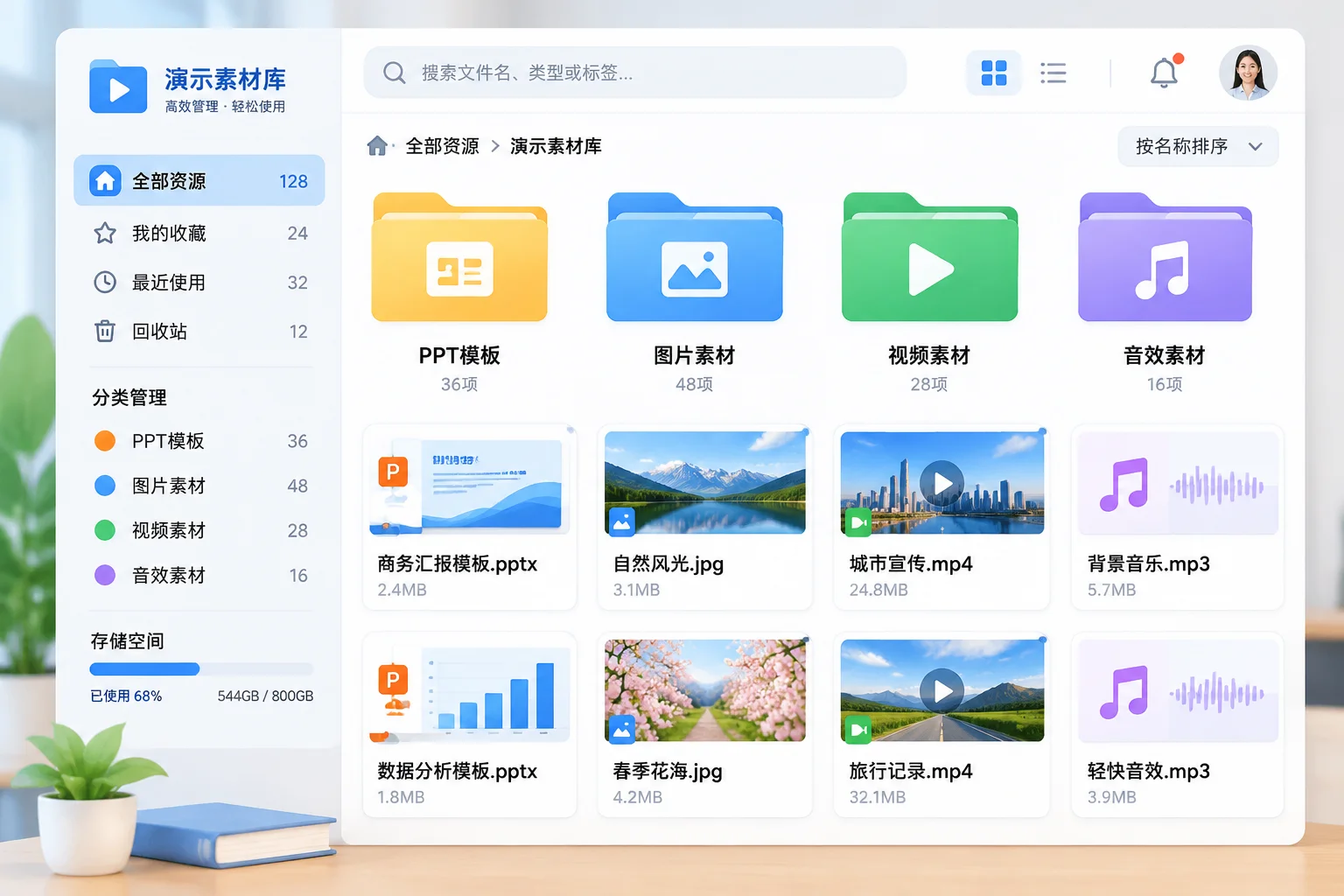
Start by creating a root project directory for every show. Within this, separate your media into subfolders by asset type: Video, Stills, Audio, and Logos. Always maintain these folders relative to the main presentation file. If you need to move the library, you move the entire root project folder, keeping the relative paths intact. This is far superior to relying on absolute file paths, which point to specific user folders or drive letters that change between workstations.
Auditing and Maintenance
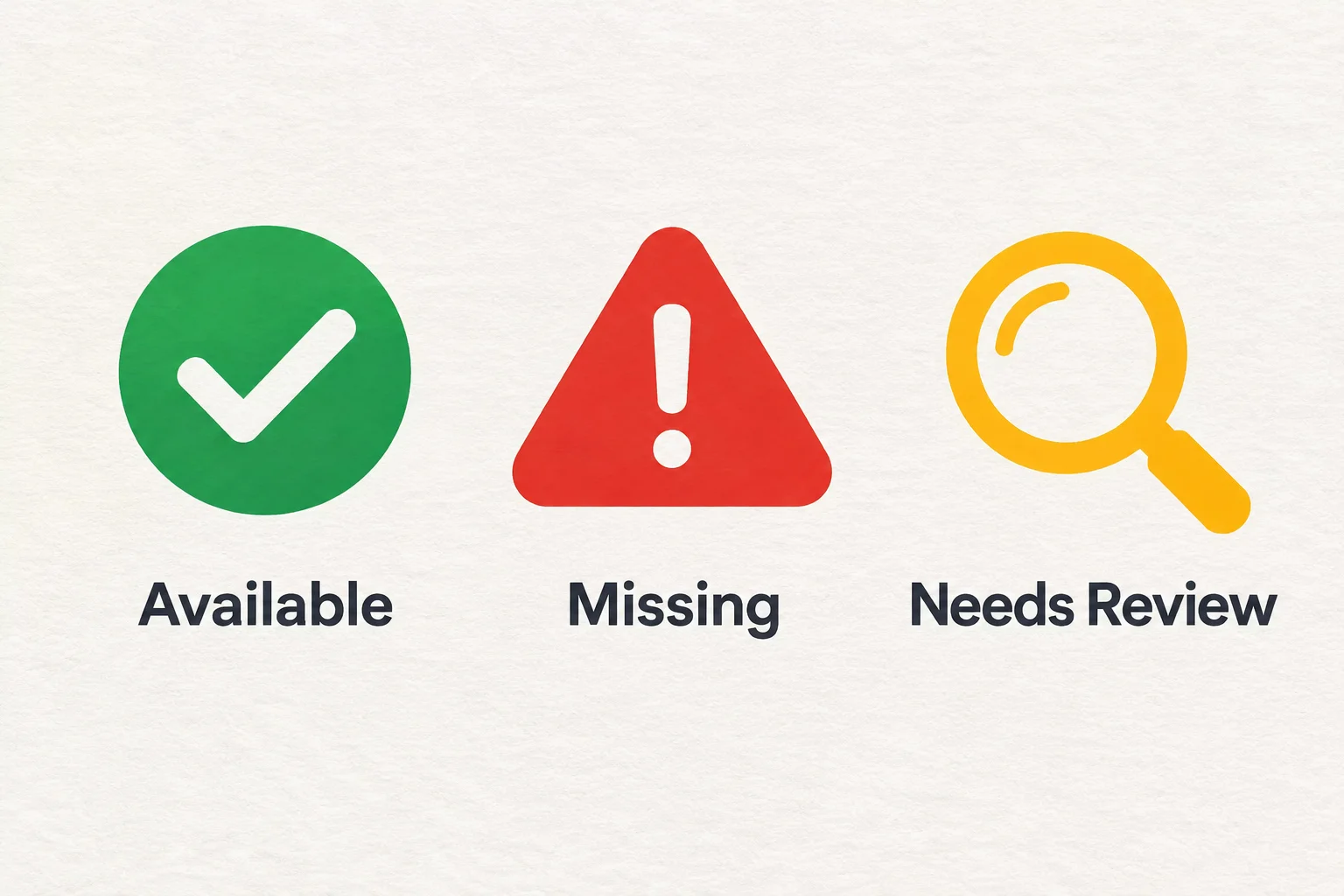
Regular audits are essential. Before transferring any media, verify that all assets in the media bin are actually pointing to the correct files on disk. If your software indicates a file is missing, do not attempt to guess where it was. Use the built-in search path tools, and if that fails, manually re-link to the original source file. Keep a simple log or digital asset register of where your master files live, especially when sharing between multiple editing stations or show computers.