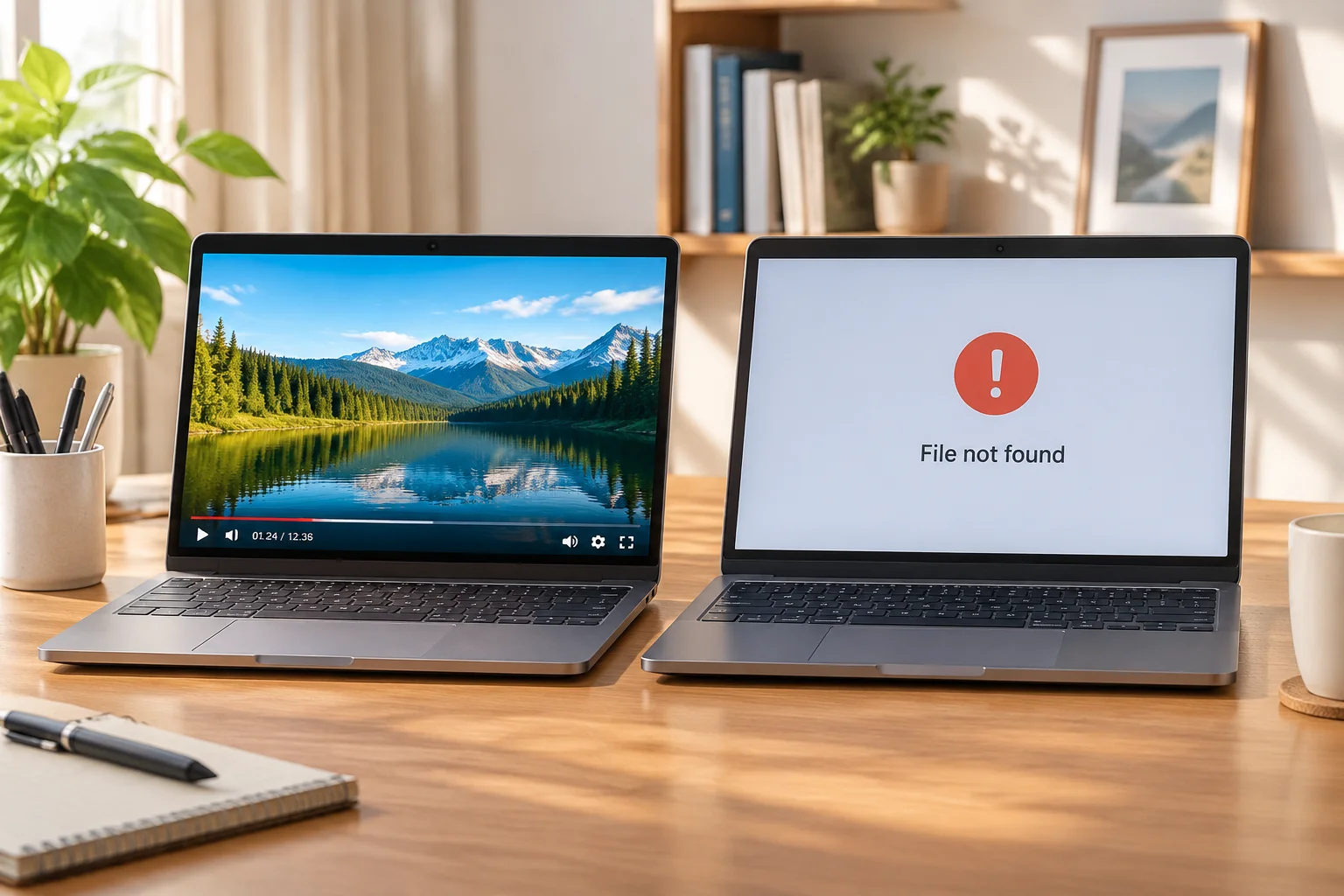
Why Backgrounds Disappear
Often, media assets like backgrounds disappear because the presentation software loses its connection to the source file. When you move a folder on your hard drive after importing the assets into your media library, the software cannot find the file in its original location.
Effective Troubleshooting Steps
First, verify the file path in your media bin. If the software displays a red warning or a blank thumbnail, it is a clear sign that the link is broken. Navigate to the last known directory to check if the file still exists.
If you cannot find the file, check your backup drives. Always maintain a secondary copy of your media assets on a separate, dedicated storage drive. This simple practice ensures that you can reconnect your background images quickly without having to hunt through nested project folders during a high-pressure setup.
Quick recovery depends on clear documentation of your source file locations before your arrival at the venue.