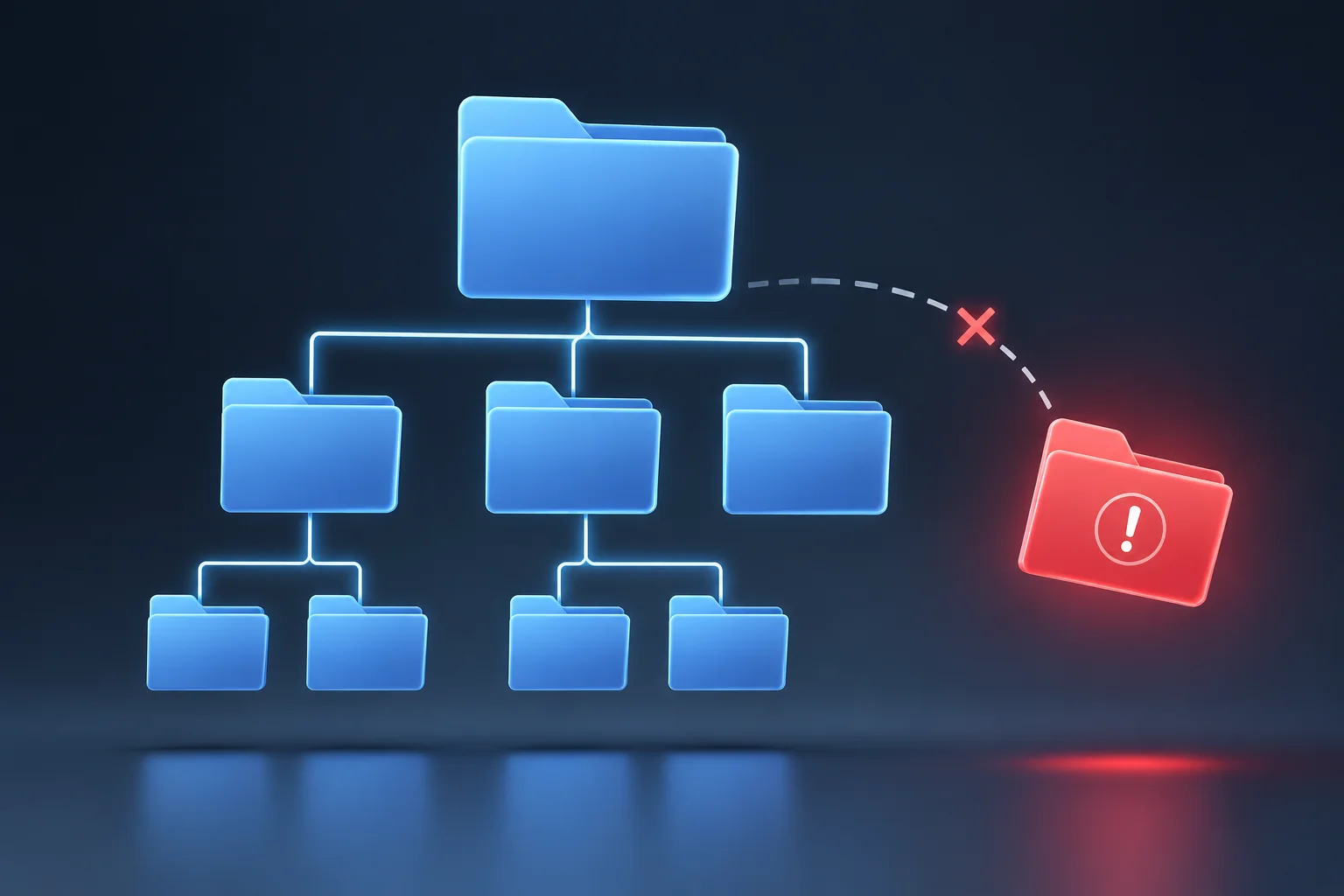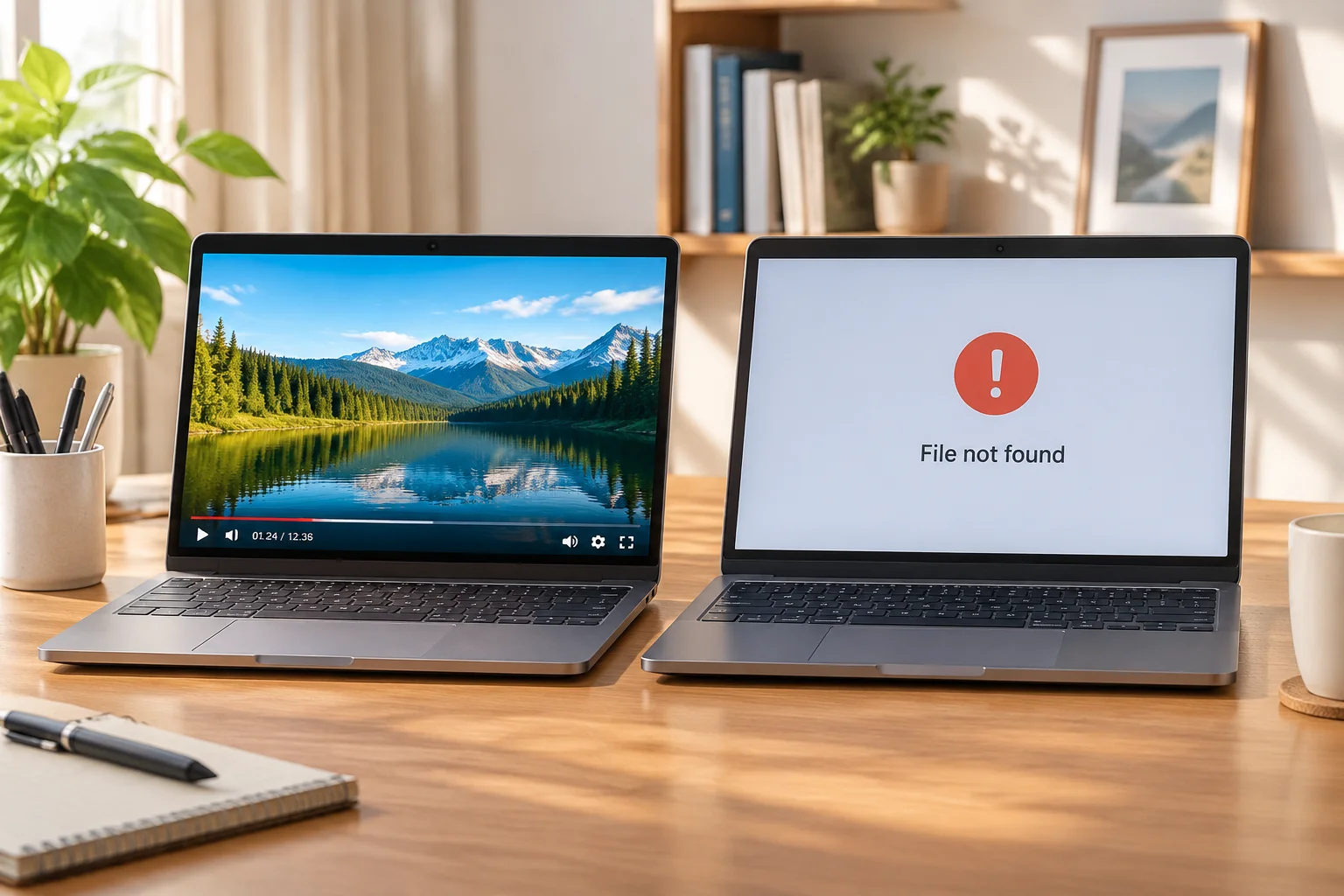
When presentation applications reference assets located on shared network drives (NAS, SAN, or corporate file servers), playback stability depends entirely on continuous read access. A background security policy update or SMB session disconnect can instantly turn active video cues into black screens or red error banners.
Immediate Impact of Shared Drive Disconnection
Live event environments frequently rely on centralized storage so multiple editors can push updated graphics and videos directly to the main playback operator. However, presentation engines do not cache every file into physical RAM; instead, they stream or pull high-resolution video streams directly from the disk path. If access permissions alter mid-session, the presentation application loses read privilege instantly, resulting in playback freeze or media offline flags.
Common Triggers for Access Disruption
-
Automatic SMB/NFS Timeout: Inactive server connections terminate automatically after idle periods set by network administrators.
-
Credential Expiration: User accounts used to mount network shares expire or require password changes mid-production shift.
-
Drive Letter Remapping: On Windows systems, a shared folder mapped to
Z:\might remap toY:\upon network reconnection, invalidating saved file paths. -
VLAN or Subnet Shifts: Workstations moving between guest Wi-Fi and production Ethernet lose local IP routing to local servers.
Diagnosing Path Disruption vs. File Deletion
When an asset fails to display, determine whether the file was moved or if security access was revoked. Open your system file manager (Finder or File Explorer) and manually attempt to navigate to the exact path recorded in your presentation software. If prompted for credentials or given an access denied prompt, the issue is permission-based rather than a missing asset.
Safeguarding Live Playback
To eliminate reliance on live network connections during showtime, adopt a local mirroring protocol:
- Copy Files Locally Prior to Rehearsal: Always sync shared drive assets to a dedicated high-speed local NVMe folder on the main playout machine.
- Relink Media to Local Storage: Use batch relinking tools inside your software to point references toward local directories.
- Maintain Read-Only Service Accounts: Create dedicated, non-expiring network service credentials specifically configured for control room machines.
- Perform Pre-Show Connectivity Checks: Run a systematic audit of all media bins 30 minutes before doors open to catch disconnected shares early.