Mechanics of Automated File Relinking
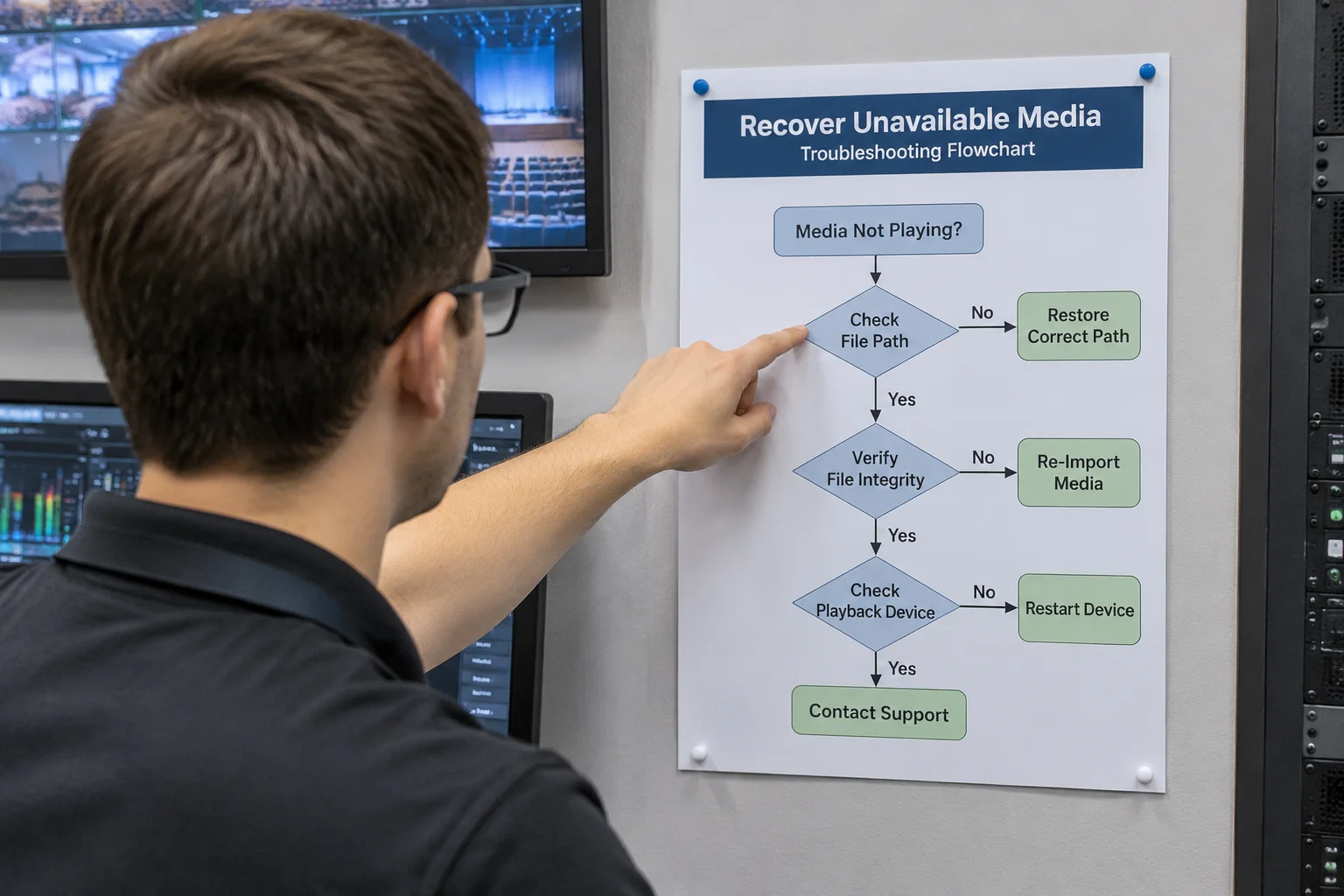
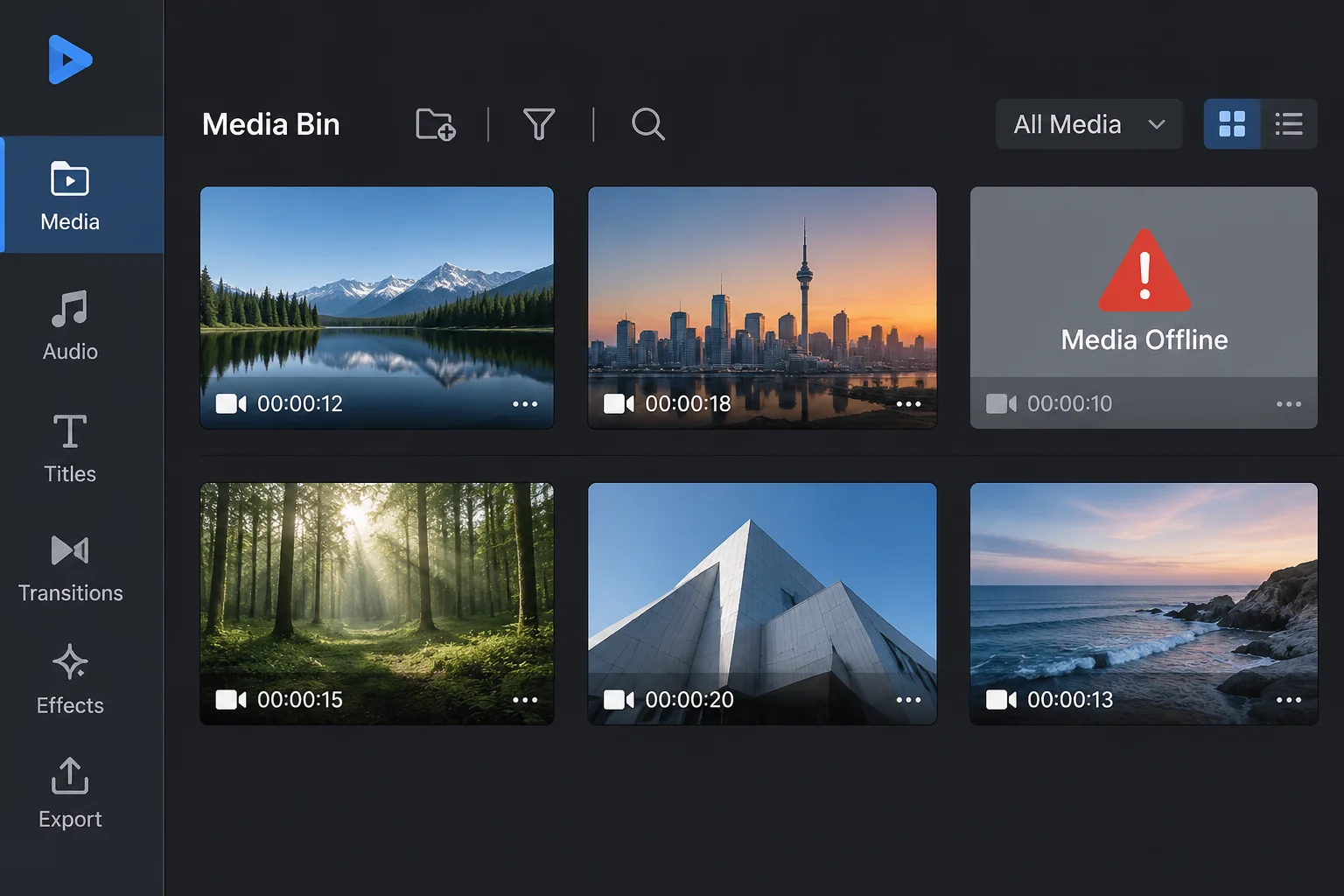
Presentation suites and broadcast playback engines rely on stored path strings to find video, audio, and graphics assets. When a volume letter changes, a parent folder gets renamed, or files transfer to another machine, the original pointer breaks instantly. Automated search tools scan designated root directories to reconnect these missing links, traversing child folders until matching filenames emerge.
However, automated searches encounter severe operational boundaries in fast-paced production environments. Search routines parse directory trees sequentially, placing strain on drive input-output pipelines when traversing complex systems with hundreds of thousands of unrelated files. During high-stakes rehearsals, a runaway search loop causes software freezes, latency spikes, and playback stuttering on active program outputs.
The Critical Failure Modes of Search Routines
Technicians often assume an automated search routine acts as an infallible recovery tool. In practice, automated path resolution presents four distinct technical failure modes:
- Filename Collision Ambiguity: Generic file labels like background_loop.mp4 or intro_v2.mov exist across multiple archive folders. An automated search routine links whichever matching name it encounters first, often embedding preliminary draft edits or incorrect resolution files into the show sequence without warning.
- Network Protocol Timeouts: Traversing network-attached storage or cloud-synced folders introduces significant network latency. Operating systems drop search threads when timeouts exceed predefined limits, causing the presentation engine to report media as permanently missing even when the physical asset sits three subfolders deep on the server.
- Permission and Access Silos: Automated routines run under specific system user privileges. If media directories possess mismatched read permissions or credential requirements, background sweeps fail silently without explicit error messages.
- Symlink and Junction Loops: Recursive algorithms traversing nested directory junctions can become trapped in circular loops, exhausting allocated system memory and forcing an unexpected application shutdown minutes before a live presentation.
Establishing Controlled Path Boundaries
Avoiding these risks requires eliminating boundless system-wide searches in favor of controlled, structured asset trees. Maintain dedicated, self-contained project directories where presentation files and all associated media elements reside within standardized subfolders. Moving the parent directory preserves relative path structures without triggering automated search sweeps across secondary drives.
Before rehearsals commence, verify asset pointers directly within the software asset registry. Explicitly map replacement directories rather than initiating unrestricted scans across root drives. By setting deterministic path rules and maintaining clean folder structures, technical operators prevent costly media blackouts and maintain total playback stability across all production workstations.