Why Automated Relinking Reaches a Hard Boundary
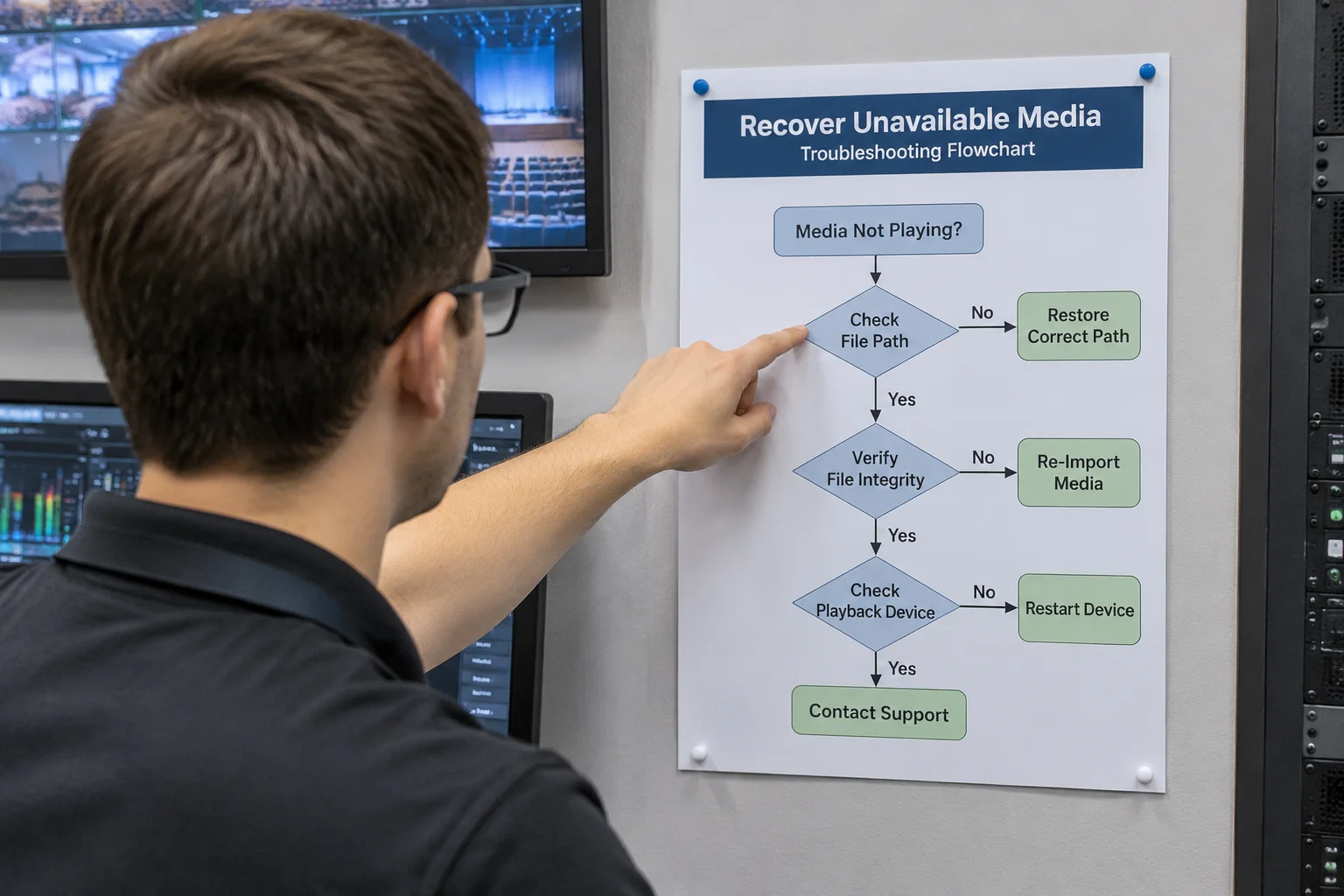
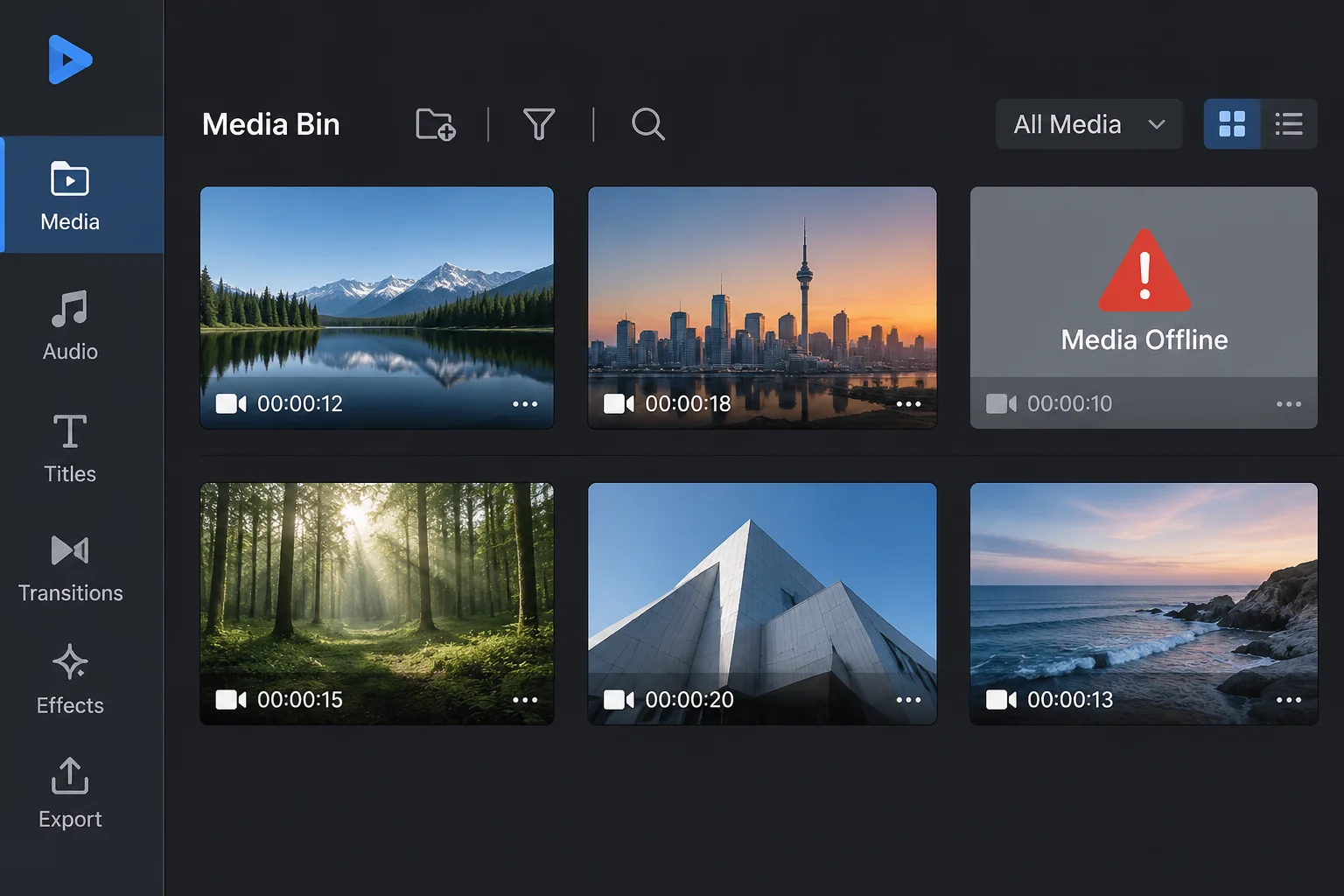
Software applications rely on pointers to read video containers, high-resolution graphics, and multitrack audio stems. When these files disappear from storage volumes, operators often expect automated search utilities to recreate them. Cached previews and proxy thumbnails create an illusion of persistence, but they contain neither the bit depth nor the codec parameters required for full-screen output. Recovery stops being a software navigation exercise the moment zero matching files exist on local or networked disks.
Technical Realities That Demand Physical Master Replacement
Production environments frequently encounter scenarios where algorithmic path search cannot assist:
- Overwritten Filenames with Incompatible Codecs: A file with an identical name exists, but its audio channels, aspect ratio, or compression standard do not match the expected cues.
- Volume Disconnection Without Network Redundancy: An external solid-state drive or staging flash drive was disconnected before show assets were transferred into managed workspace folders.
- Destructive Cloud Sync Purging: Smart-sync utilities silently remove local content to free up disk space, leaving behind zero-byte pointer stubs that look identical in file trees.
- Corrupted Archive Bundles: Transferred zip packages drop subfolder hierarchies or terminate decompression mid-stream, breaking internal container integrity.
- Unregistered External Ingestion: Assets dropped directly onto timeline slides during rehearsal without ever touching the shared asset repository.
Physical Transfer and Master Verification Procedures
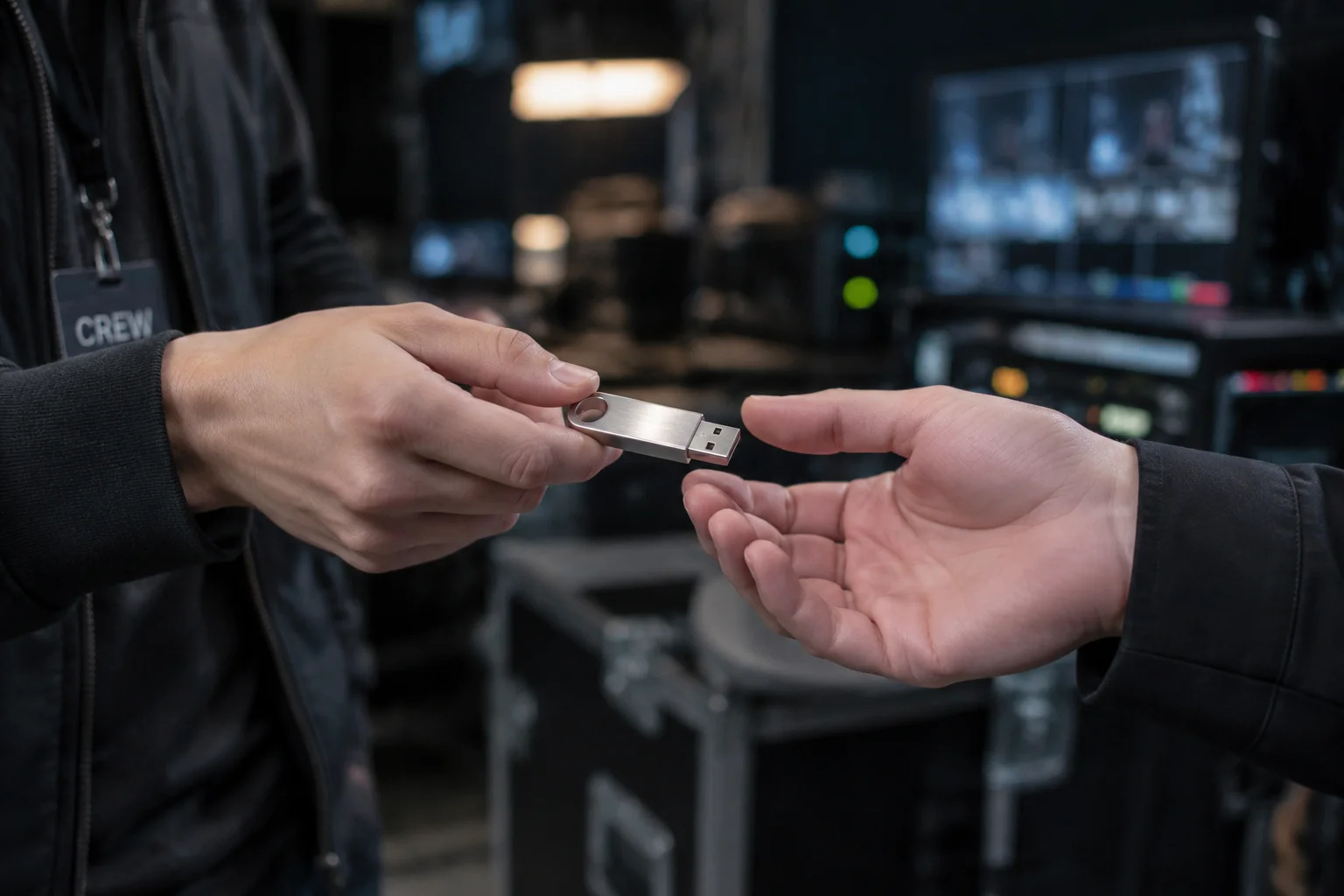
Handing over an original file on a physical USB drive remains the most reliable remedy when network shares drop out before curtain time. The incoming file must match the original container specifications precisely. Verify the file size, resolution, and audio sample rate before overwriting the broken pointer. A mismatched replacement file often generates silent audio drops or unexpected frame scaling, creating secondary failures right on the projection canvas.
Frequently Asked Questions
Can presentation software extract full-resolution video from a slide thumbnail?
Software packages generate low-resolution JPEG or PNG thumbnails purely for UI navigation. These image caches lack the frames, temporal motion data, and audio streams necessary for video playback.
What should operators check first when a file cannot be found automatically?
Examine the exact absolute path stored in the asset inspection panel. The filepath reveals the original drive letter, mounted volume name, or temporary staging folder where the item previously lived.
Why does a newly downloaded copy sometimes fail to relink automatically?
Web browsers and messaging clients routinely modify filenames, append revision counters, or convert container formats during transmission. The software expects identical headers and matching strings.
How can teams prevent missing original file emergencies?
Consolidate all project media into a dedicated local project directory before building playlists. Moving files into managed folders guarantees assets remain accessible even if external drives get disconnected.
Is a proxy file acceptable for live presentation playback?
Proxies serve well during rehearsal for timing verification, but projecting compressed proxies onto auditorium displays causes visible compression artifacts and dull audio output.
What is the fastest way to replace a lost file right before an event?
Plug in the source drive, copy the original file into the local media library directory, and execute a manual point-to-point replacement via the asset inspector panel.
What happens if an asset is replaced with a file of different duration?
Timeline cues and audio transitions tied to the original end marker will trigger out of sequence, potentially causing video feeds to black out prematurely.