The Missing Opening Video
Root cause identification and path verification protocol after an opener video dropped from the playback timeline before house open.
Explore media file organization, missing assets, reference paths, and presentation readiness through independent event-production cases. MediaPath Register helps technical crews and teams document the media dependencies behind prepared stage productions.
Detailed post-incident analyses of presentation playback failures, directory structure shifts, and cross-workstation media synchronizations.
Root cause identification and path verification protocol after an opener video dropped from the playback timeline before house open.

Investigating codec misconfigurations, hardware container flags, and machine-specific file mappings in dual-rig production environments.

Best practices for asset migration, external storage handshake routines, and avoiding absolute volume link breakage in rehearsals.
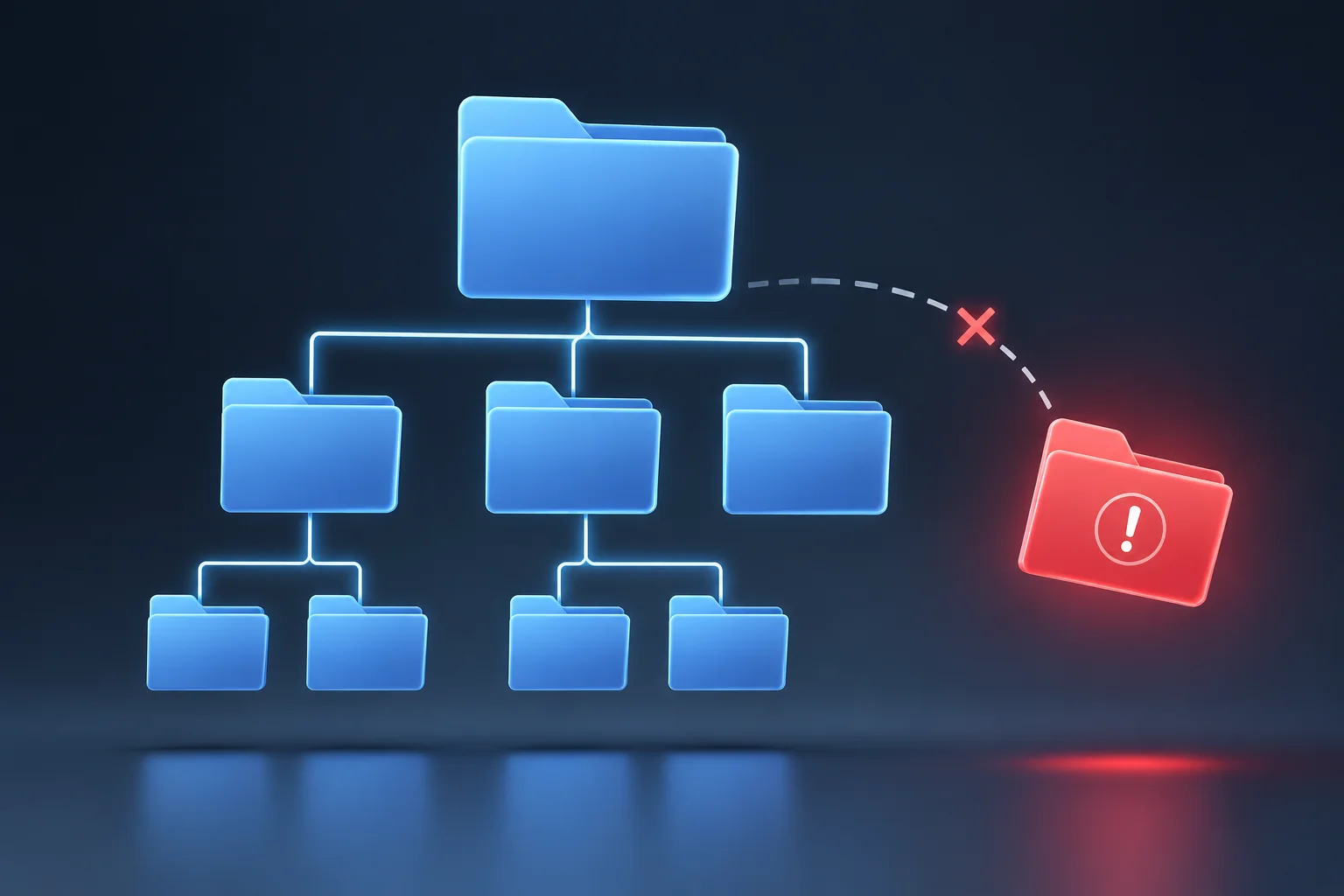
Diagnosing broken nested path relationships and reconstructing project dependencies without rebuilding slides under live show pressure.
Operational guidelines, structure templates, and audit logs designed to ensure every clip, slide, and audio file plays reliably under live show conditions.

Why software thumbnail previews can be deceptive, and how to verify that raw media source files remain securely mounted and accessible on stage machines.

Step-by-step methods for constructing a reliable spreadsheet or database log that links technical video codecs, checksums, and cue assignments.

Techniques for capturing real-time version swaps during rehearsals to prevent missing assets and mismatched aspect ratios right before launch.
An operational breakdown of what happens when a live event presentation is transferred to a secondary control computer without relative path verification.
During setup for a major keynote presentation, the media team transferred the main deck (Keynote_Final_v3.pptx) from the graphics designer workstation to the main playback laptop via a USB flash drive.
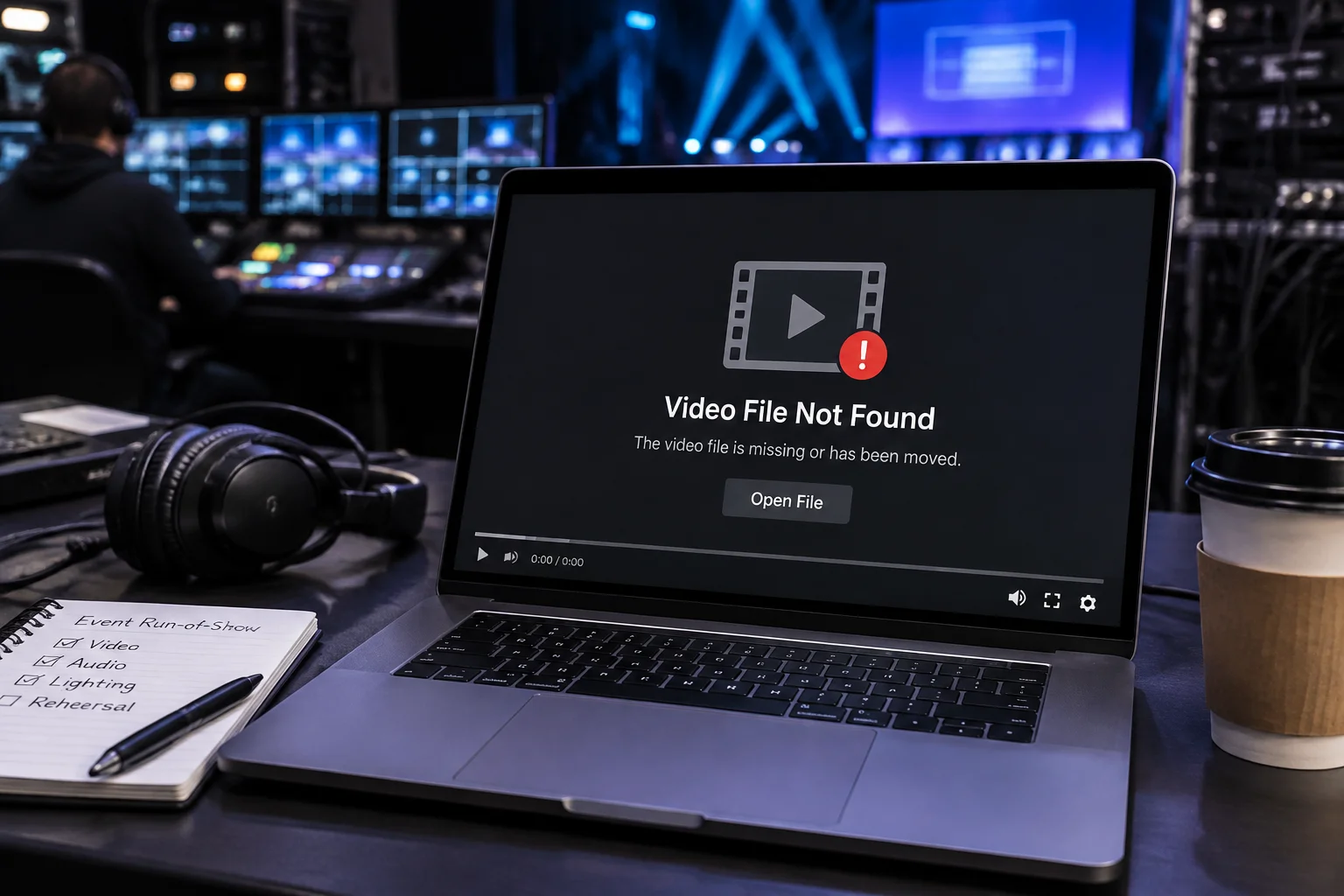
While slide text and native shapes rendered perfectly, all high-bitrate background videos and intro stingers displayed black frames with Media File Unavailable error flags because files had been linked via absolute local paths (C:/Users/Designer/Videos/...).
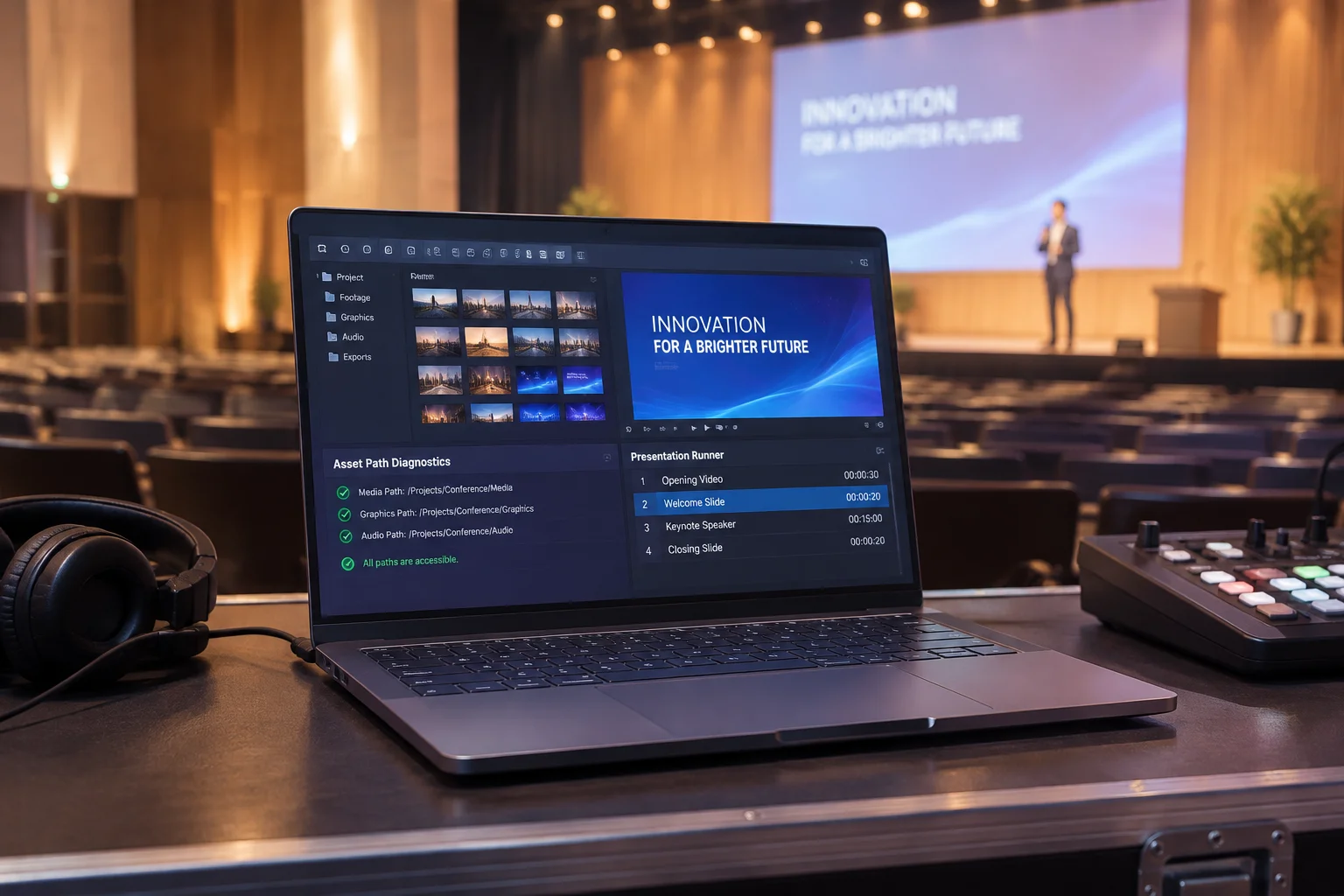
Live inspection of linked asset reference paths based on active workstation environment.
Audit log tracking slide elements, path integrity, and remediation status.
| Asset Name | Slide Location | Reference Path | Status | Remediation Action |
|---|---|---|---|---|
| Main_Opener_v2.mov | Slide 1 | C:/Users/Graphics/Video/Opener.mov | Missing | Convert to relative path & bundle into project directory. |
| Company_Logo_Vector.png | Slide 2 | Embedded in Presentation | Verified | No action required (embedded vector graphic). |
| WalkIn_Theme.mp3 | Slide 1-15 | Z:/LiveAudio/WalkIn_Theme.mp3 | Missing | Re-link from local backup drive E:\Assets\Audio. |
| Stage_Motion_Bg.mp4 | Slide 4 | ./Media/Stage_Motion_Bg.mp4 | Verified | Valid relative path; source file verified. |
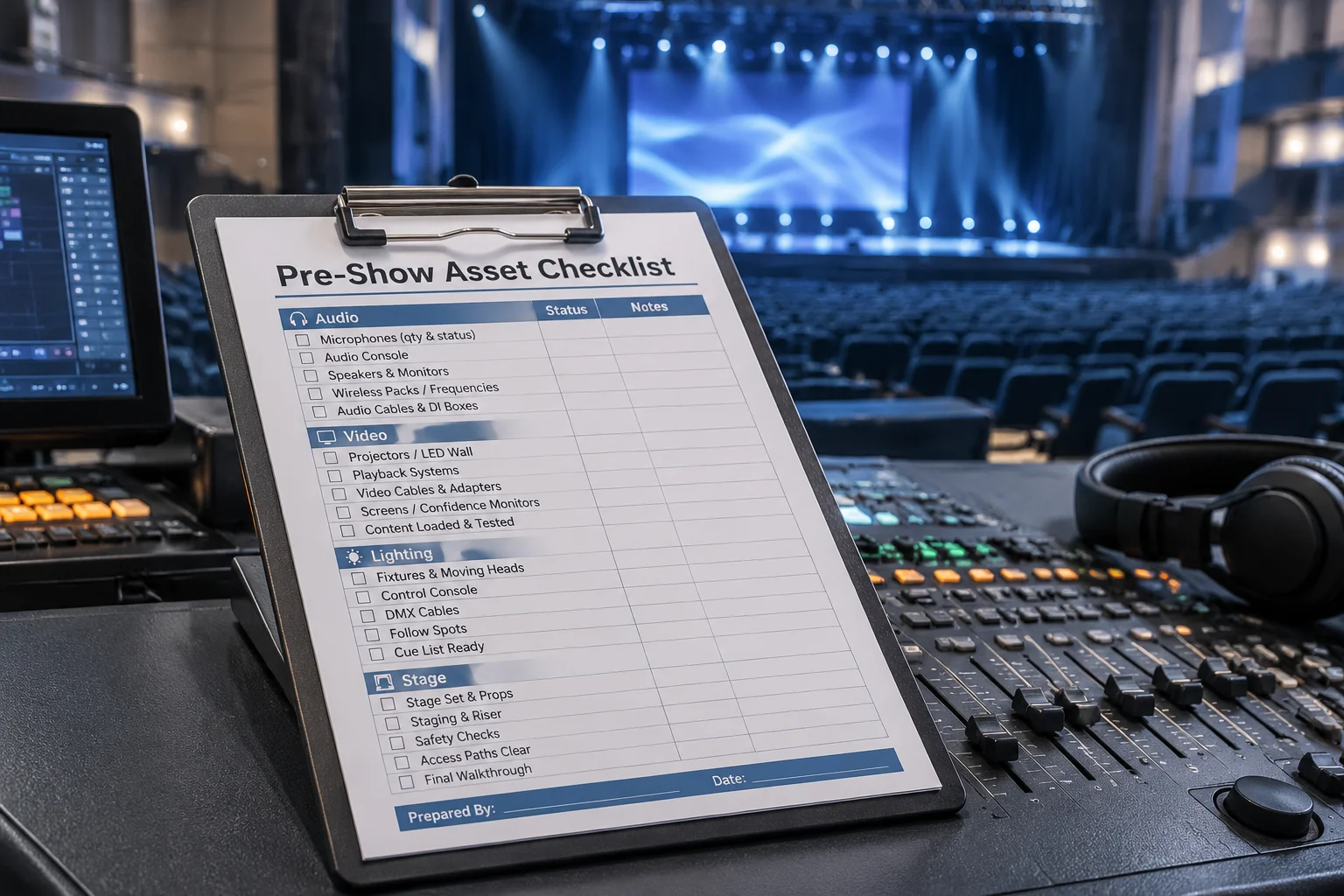
Step-by-step procedure for auditing presentation media assets before running live technical shows.
Read Case Guide
Deep dive into directory structures and how system renames trigger missing media alerts.
Read Case Guide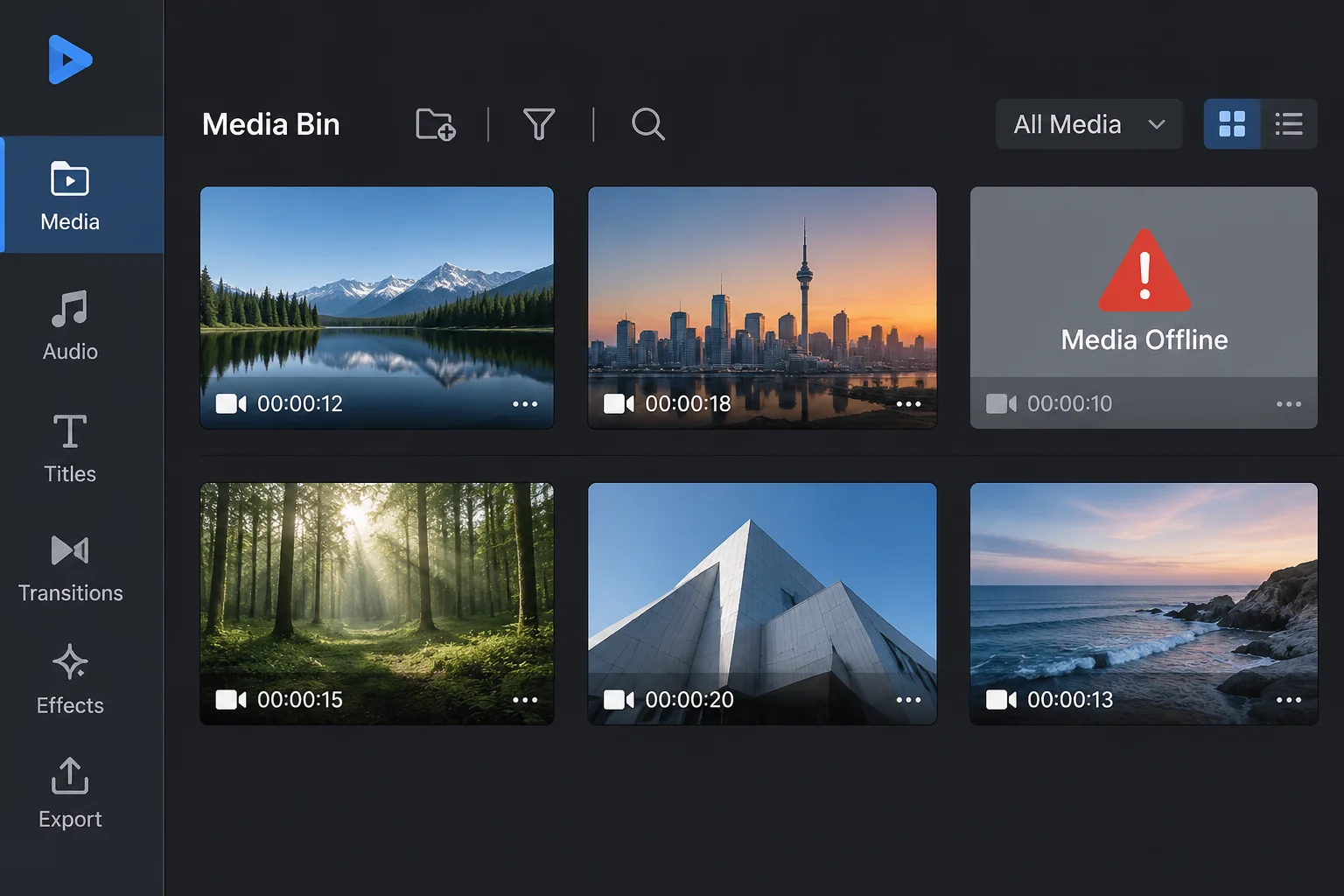
How software alerts indicate broken media links and early indicators of missing files.
Read Case Guide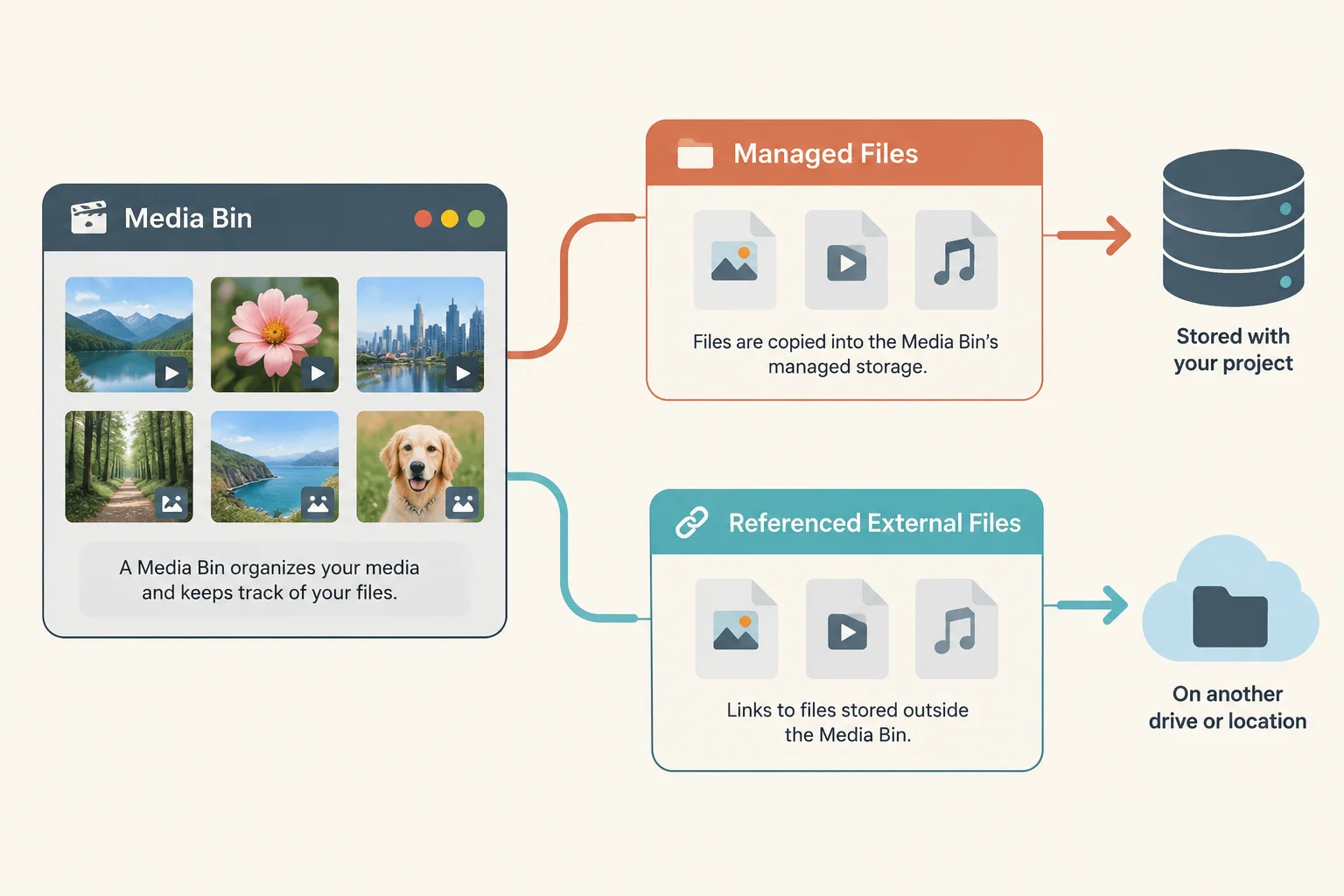
An in-depth technical resource exploring how presentation software handles file path references, asset indexing, and media bundles. Learn practical workflows to eliminate missing backgrounds and playback failures during live events.
Clear response commitments, operational business hours, and instant inquiry channels following any media readiness check or register order.
All media readiness verification transactions come with a dedicated review confirmation and direct path assistance prior to live technical rehearsals.

Need help resolving a missing asset reference, validating a report, or reviewing a file path layout? Send our advisory desk a message.
To resolve disputes about work volume before starting, MediaPath Register details exactly what is included in standard media readiness audits and what requires additional technical scope.
Tasks included in standard pre-event verification
Verification of absolute and relative file paths across presentation software and secondary backup machines.
Technical review of video encoding specs, frame rates, and audio routing to prevent playback stutter.
Confirming that all referenced slides, video clips, and graphic backgrounds display green ready state.
Validation of visual aspect ratios against display controller specs to eliminate unexpected stretching or pillarboxing.
Delivering an asset readiness register documenting verified media status before the first technical run-through.
Tasks requiring separate production staffing or change orders
Creative video trimming, lower-third graphic design, motion graphic edits, or post-production rendering.
Hardware video switcher routing, SDI cabling installation, audio console wiring, or projector rigging.
Rebuilding missing master assets from scratch when original camera media or project packages are unavailable.
Reconfiguring venue firewall rules, enterprise network shares, or user access credentials during setup.
Active switching of live show cues or primary soundboard engineering during the actual public event.
Have questions regarding asset file structures or pre-show presentation checks? Submit your details below for direct guidance from our verification team.